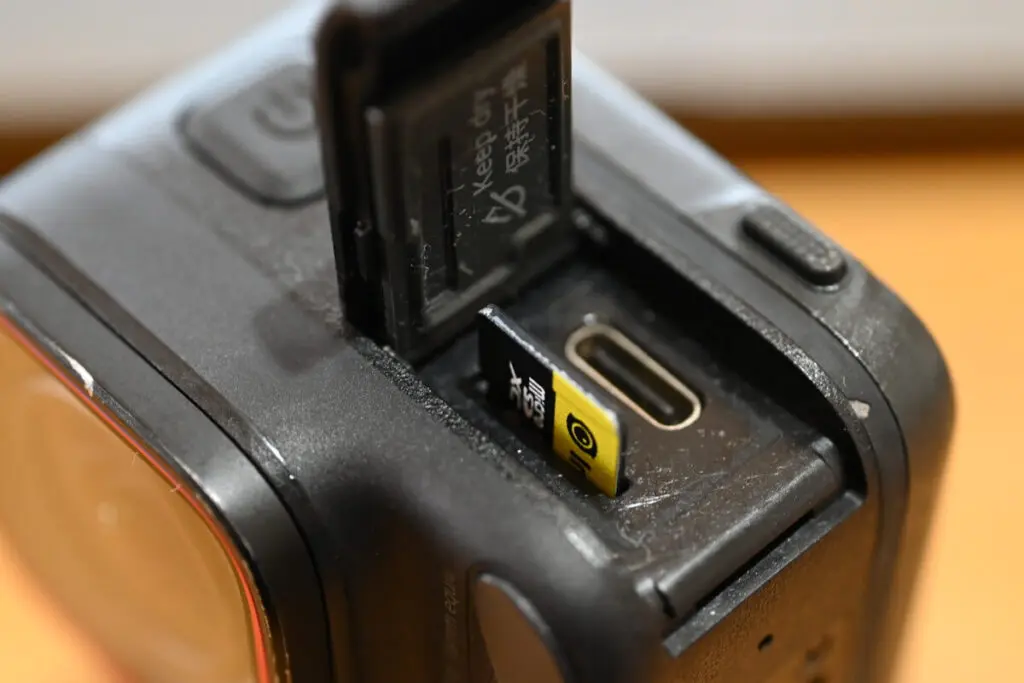
The Insta360 Ace Pro 2 is one of the most powerful action cameras capable of shooting 8K video, but its performance depends heavily on one thing most users overlook:
👉 the SD card
Many users report recording errors, lag, or corrupted footage simply because they chose the wrong memory card.This guide will help you choose the best SD card for Ace Pro 2 based on real-world testing, official specs, and practical usage scenarios.
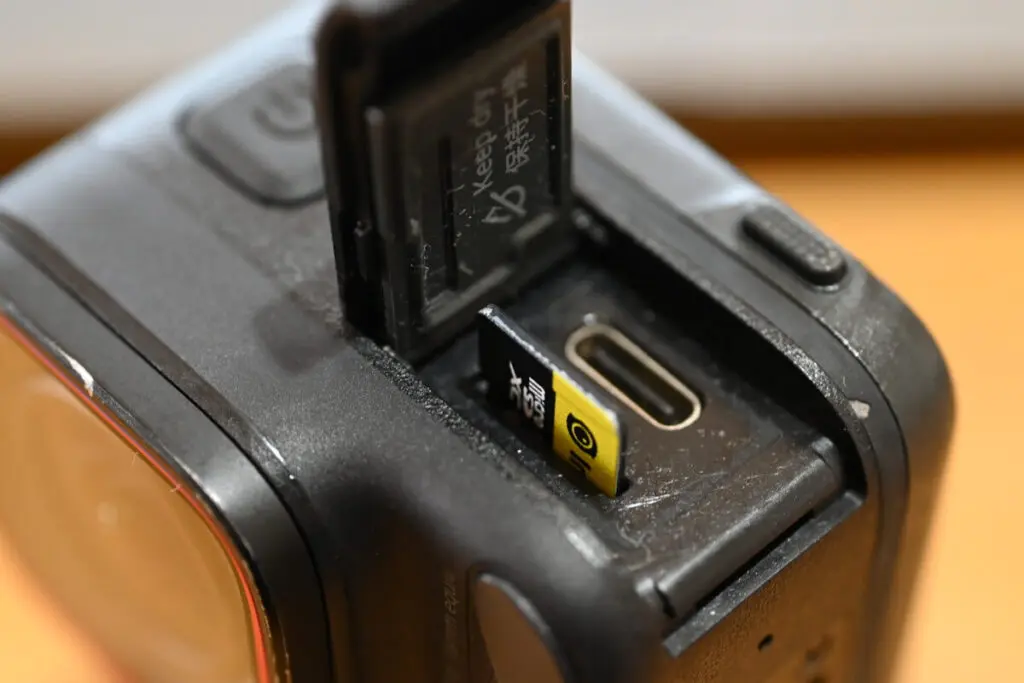
- Which SD cards work with Ace Pro 2
- 64GB vs 128GB vs 256GB vs 512GB — which size is best
- Recommended brands that won’t fail during recording
- How to avoid fake SD cards
- Why 128GB is the most practical choice for most users
Recommended SD Card Specs for Ace Pro 2
To get stable recording performance, your card must meet these specs:
Minimum Requirements
- UHS-I interface
- Video Speed Class V30 or higher
- Format: exFAT
- Capacity: 64GB – 1TB
⚠️ Important:
Do NOT use UHS-II or UHS-III cards. The Ace Pro 2 does not support them and recording failures may occur.
V30 vs U3 — What’s the Difference?
Both guarantee minimum write speed of 30MB/s.
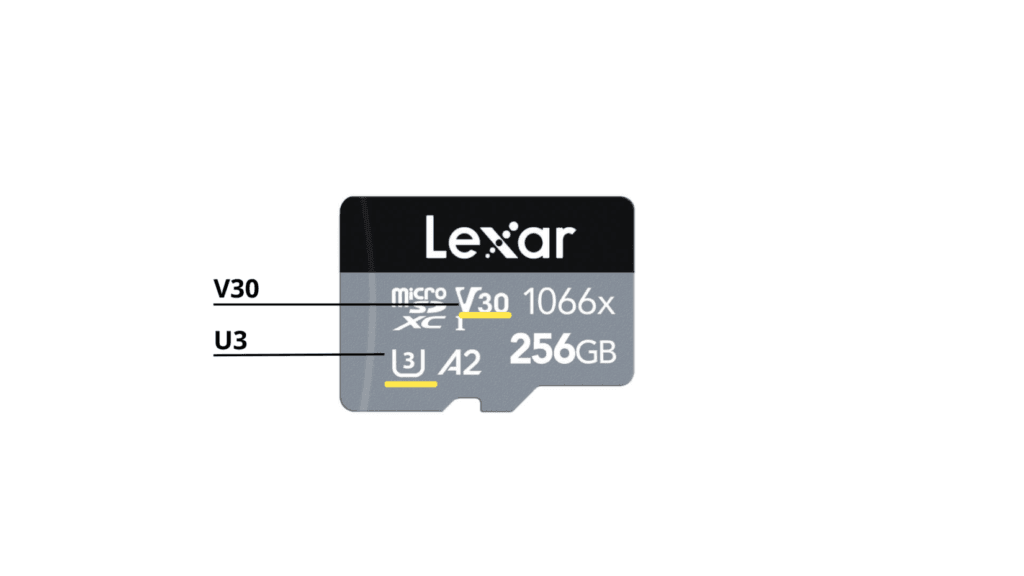
| Label | Meaning |
|---|---|
| V30 | Video recording speed class |
| U3 | UHS speed class |
For Ace Pro 2, either is fine as long as it’s V30 or higher.
Why Speed Matters
If your card’s write speed is too slow, the camera can’t store video data fast enough when recording 4K/120fps or 8K. This can cause:
- recording stops
- file corruption
- overheating
- footage loss
That’s why choosing the best SD card for Ace Pro 2 isn’t optional — it’s essential.
Best SD Card Brands for Ace Pro 2
Based on compatibility, reliability, and endurance tests, these are the safest options:
Recommended
- SanDisk Extreme (Best balance)
- SanDisk Extreme Pro (Best performance)
- Lexar 1066x Silver (Best value)
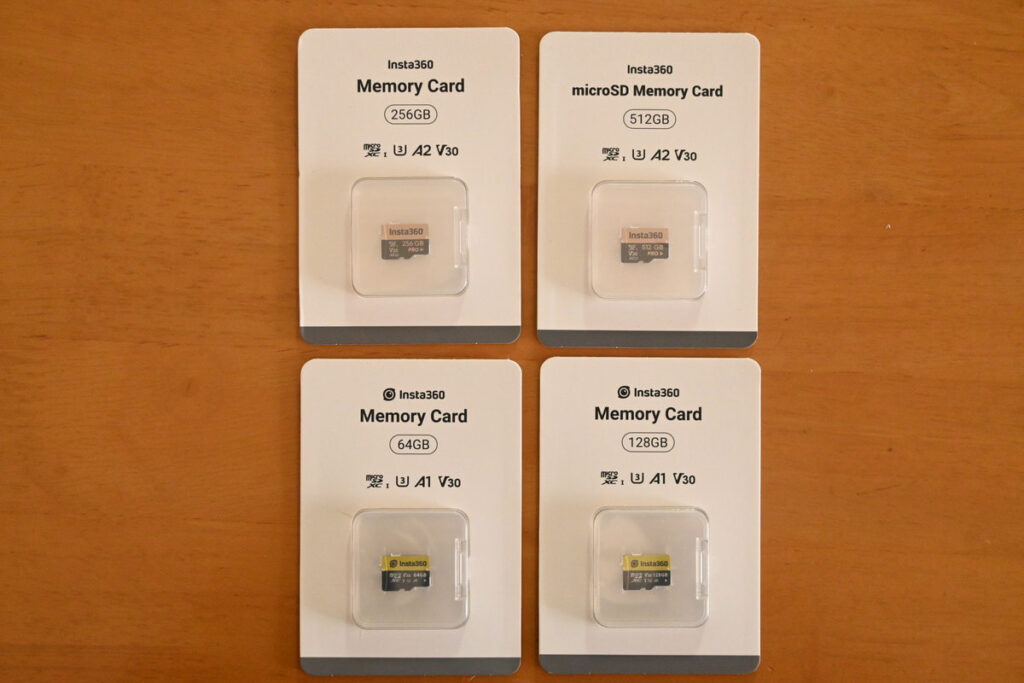
- Insta360 Official SD Card (Safest choice)
Avoid
- Unbranded cards
- “Too cheap” deals
- Unknown sellers
Cheap cards often work at first, but fail within months.
Best Capacity for Ace Pro 2 (Real Recording Time)
Here’s how long each card size records:
| Mode | 64GB | 128GB | 256GB | 512GB |
| 4K30fps | 1h16m | 2h33m | 5h4m | 10h24m |
| 4K60fps | 1h3m | 2h8m | 4h15m | 8h44m |
| 8K24fps | 48m | 1h37m | 3h13m | 6h36m |
| 4K120fps | 51m | 1h43m | 3h25m | 7h1m |
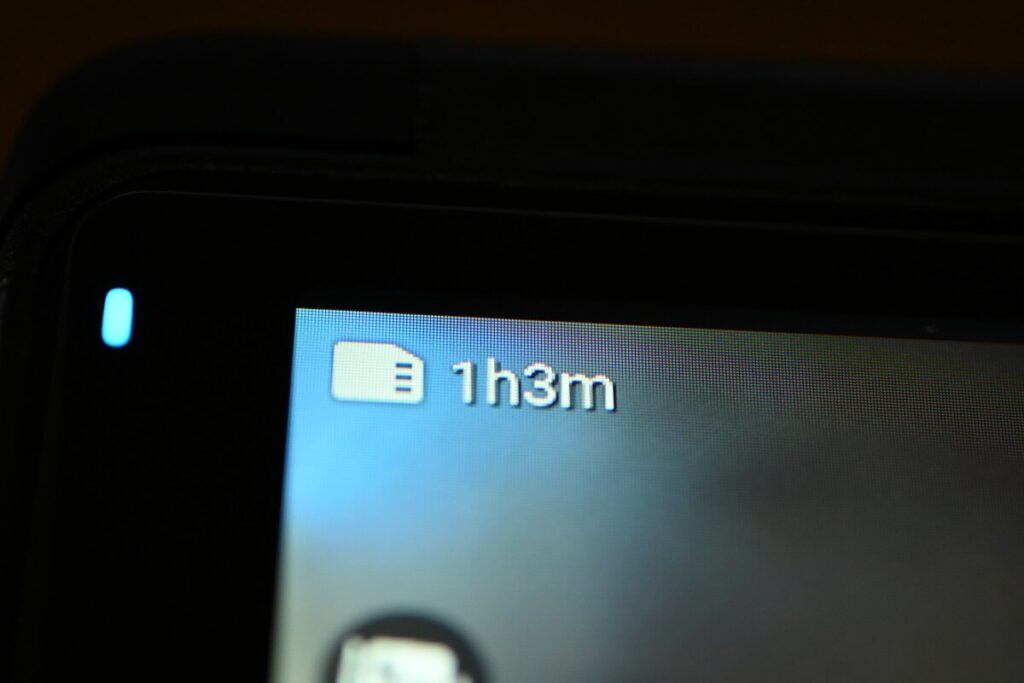
Best Choice for Most Users → 128GB
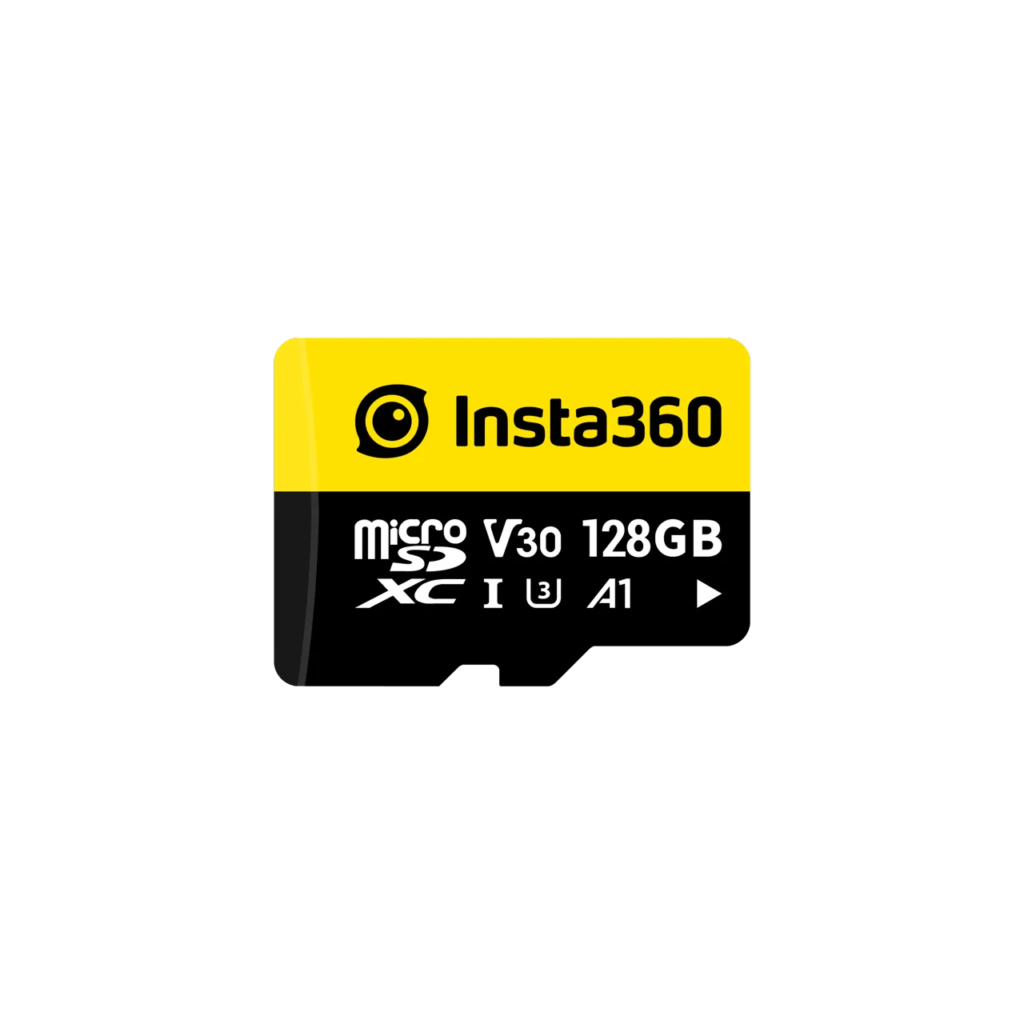
After testing different capacities, 128GB is the best SD card size for Ace Pro 2 because it:
✔ records over 2 hours at 4K60
✔ balances price and storage
✔ avoids frequent file transfers
✔ is officially bundled with many kits
For daily filming, vlogging, travel, and sports, 128GB is the sweet spot.
When to Choose 256GB or 512GB
Upgrade if you:
- shoot long sessions
- record in 8K frequently
- travel without laptop backup
- film events or sports competitions
Otherwise, larger cards are unnecessary for most users.
Best Recording Settings for Stability
For the best balance of quality + editing performance:
Recommended Mode → 4K 60fps
Why?
- smoother footage than 30fps
- allows slow motion editing
- easier to edit than 8K
- still very sharp
8K is useful only if you plan to crop or zoom heavily in post.
How Many SD Cards Should You Carry?
Recommended: at least two
Reason:
- backup if one fails
- avoids running out of storage
- safer during travel or events
Think of it like carrying a spare battery — you don’t want your shoot to stop unexpectedly.
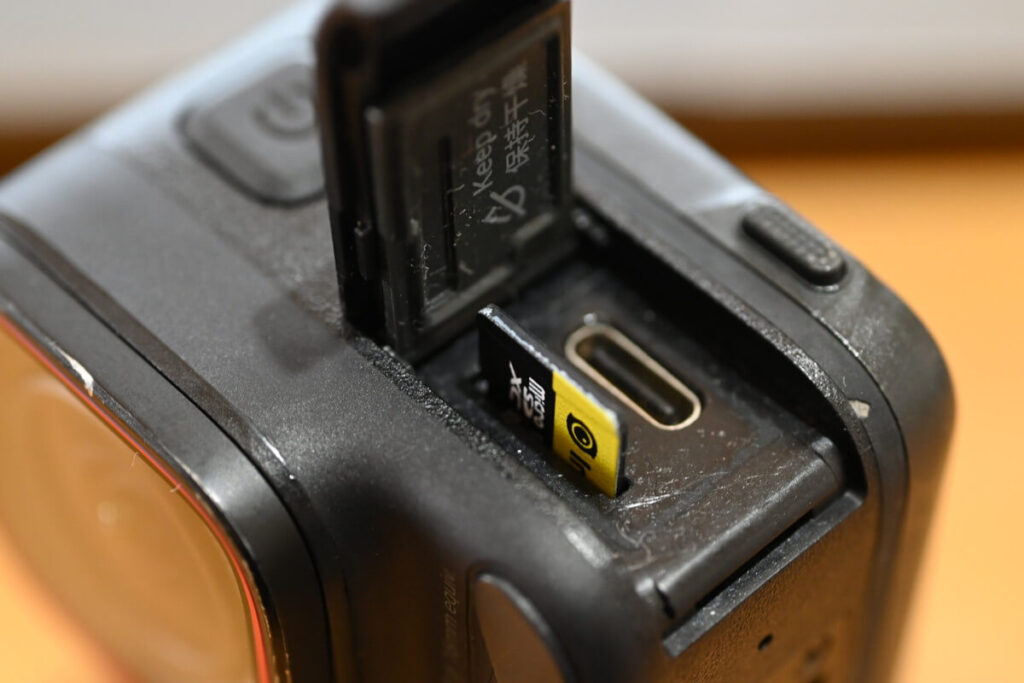
Fake SD Cards Exist (How to Avoid Them)
Yes, counterfeit cards are common online.
Signs of fake cards:
- extremely cheap price
- thin font printing
- wrong packaging
- slow speed test results
Safest option → buy from official stores or trusted retailers.
Should You Format Your SD Card?
Yes. Regular formatting:
- removes hidden junk files
- improves recording stability
- extends card lifespan
✅ Best practice: Backup footage → format card → shoot again
Final Verdict — Best SD Card for Ace Pro 2
If you want the safest and most reliable option:
⭐ Best Overall: SanDisk Extreme V30
🛡 Safest Choice: Insta360 Official SD Card
✅ Simple Rule: Choose based on Brand + Capacity + Speed Class