Insta360 launched the all-new GO Ultra mini pocket camera on August 21, 2025. This ultra-compact camera has become hugely popular for its magnetic mount design, lightweight body, and 4K video capability. But to truly unlock the GO Ultra’s full potential, choosing the right accessories makes all the difference. This guide covers the 20 most practical and popular Insta360 GO Ultra accessories, helping you capture better, more professional footage across Vlogging, travel, action sports, and underwater shooting.
Why Do You Need GO Ultra Accessories?
4 Reasons to Add Accessories to Your GO Ultra
Many people wonder: the GO Ultra can shoot on its own — why buy extra accessories? The answer is simple:
- Camera Protection: Prevent lens scratches and screen damage
- Expanded Shooting Angles: Head mount, chest mount, strap, and backpack clip support
- Upgraded Experience: Quick release mounts, external microphones, charging docks, memory cards, carry cases
- Extended Use Cases: Dive case for underwater shooting, ND filters for cinematic footage
If you want your GO Ultra to shoot more professionally and last longer, the right accessories are indispensable. Whether you’re a Vlogger, action sports enthusiast, or traveler, use this guide to find the best GO Ultra accessories for your needs — and unlock everything this camera is capable of.
Complete List of Top Insta360 GO Ultra Accessories
- 2nd Gen Mini 2-in-1 Tripod (must-have)
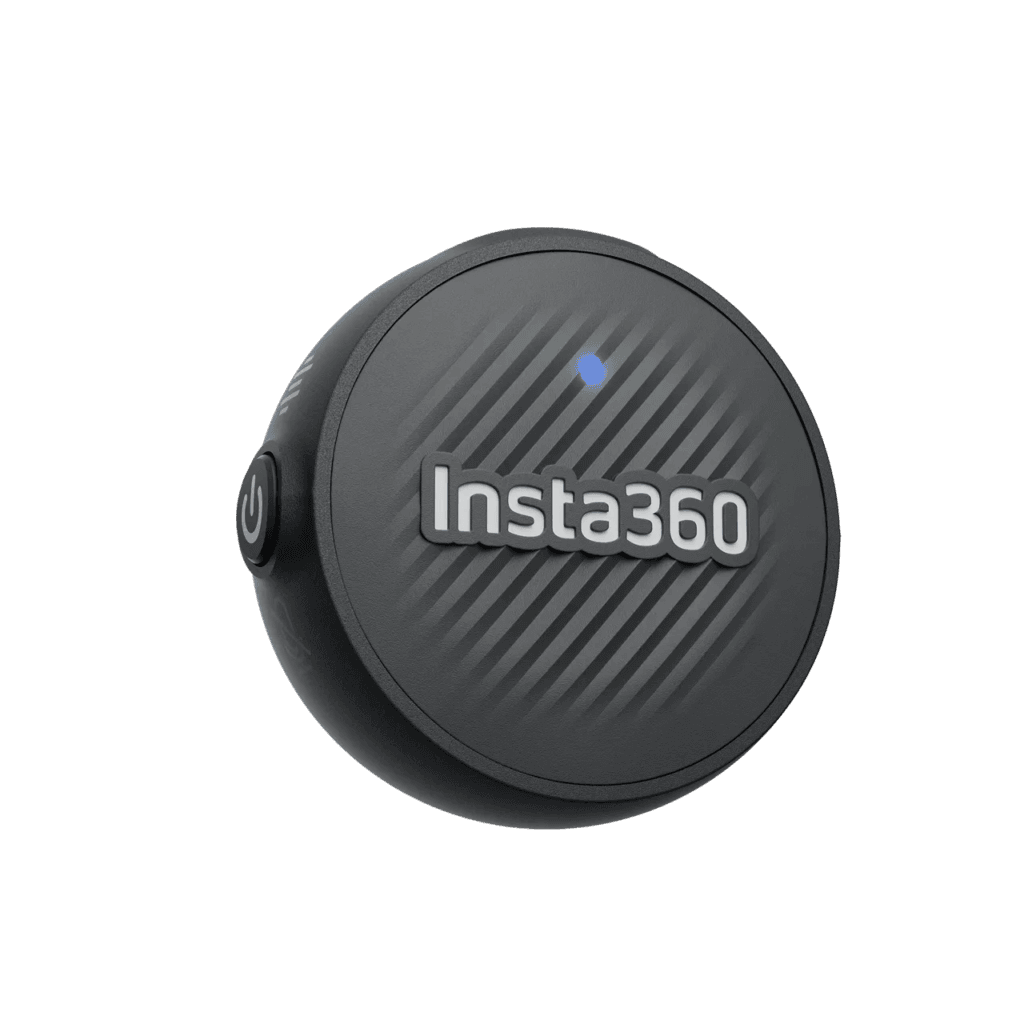
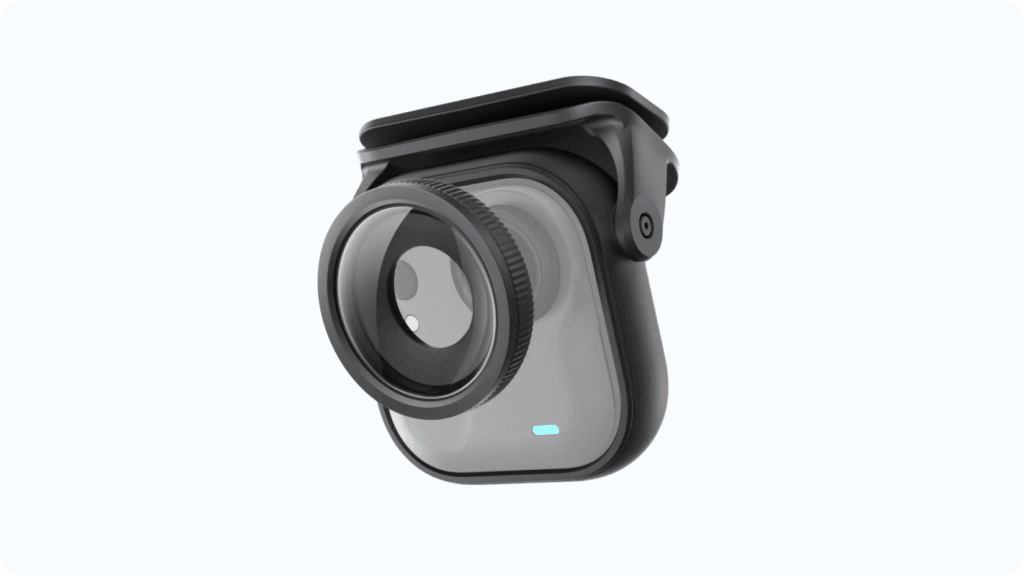
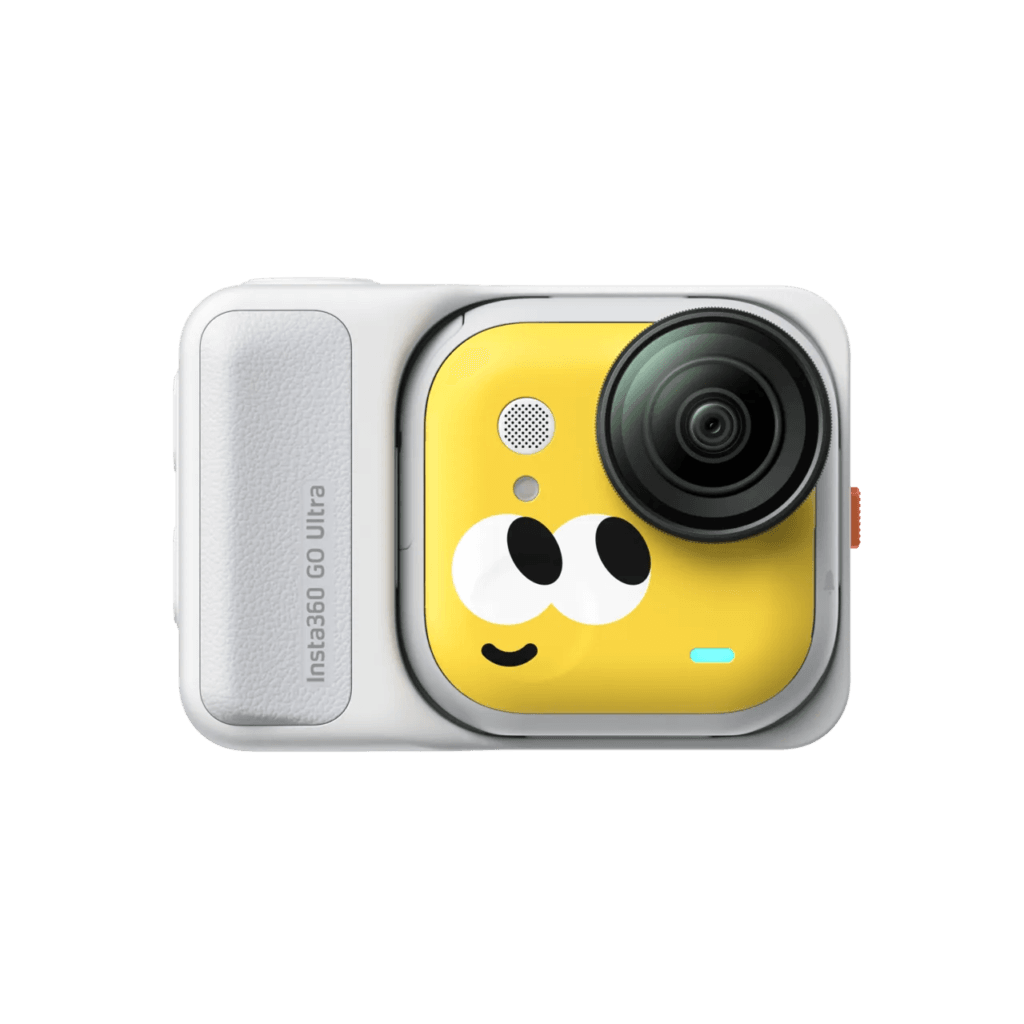
GO Ultra Lens Guard & Screen Protector
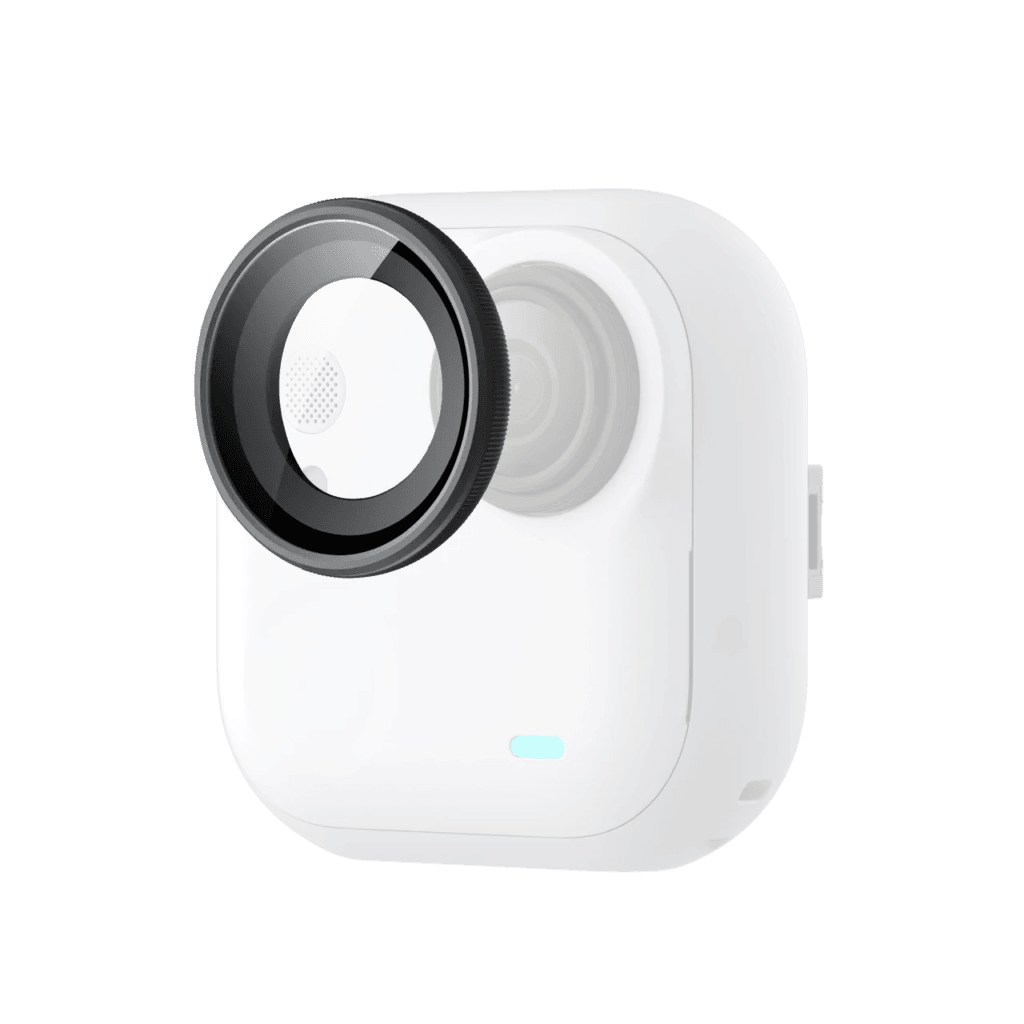
The first thing you should do after getting your GO Ultra is protect the lens. The GO Ultra Lens Guard is made from tempered glass and effectively prevents scratches and abrasion. If you’re worried about damage from everyday use, installing this right away is the smartest move you can make.
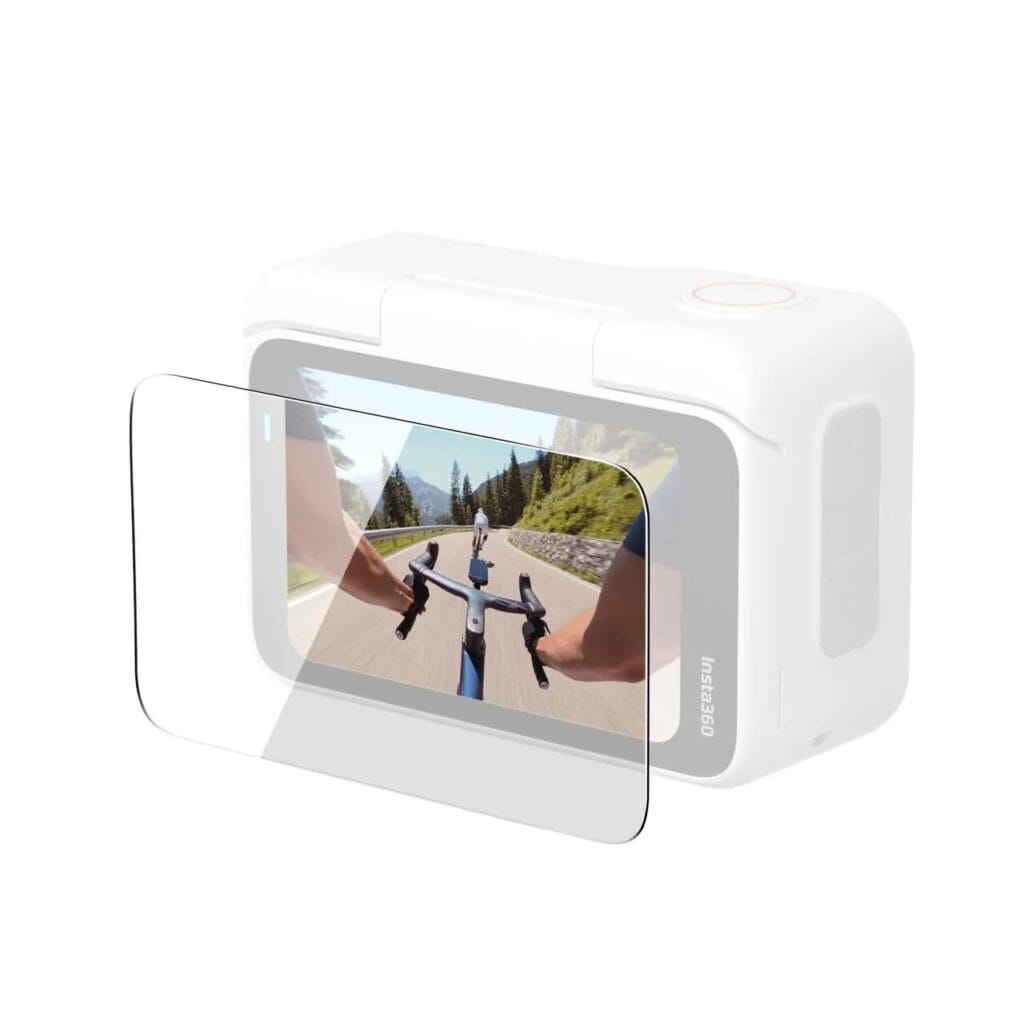
The GO Ultra Screen Protector is a high-clarity glass screen protector designed for the Action Pod display. If you’re concerned about the screen getting scratched during daily use, this is a worthwhile addition.
👉 Apply both right after unboxing to avoid scratches from day one.
Utility Frame
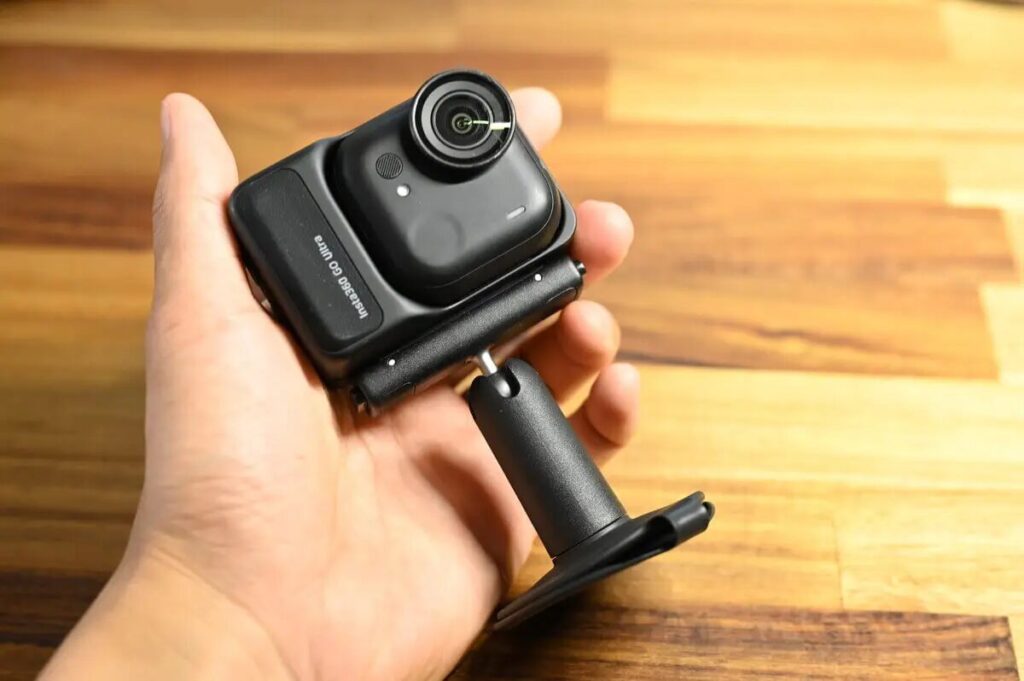
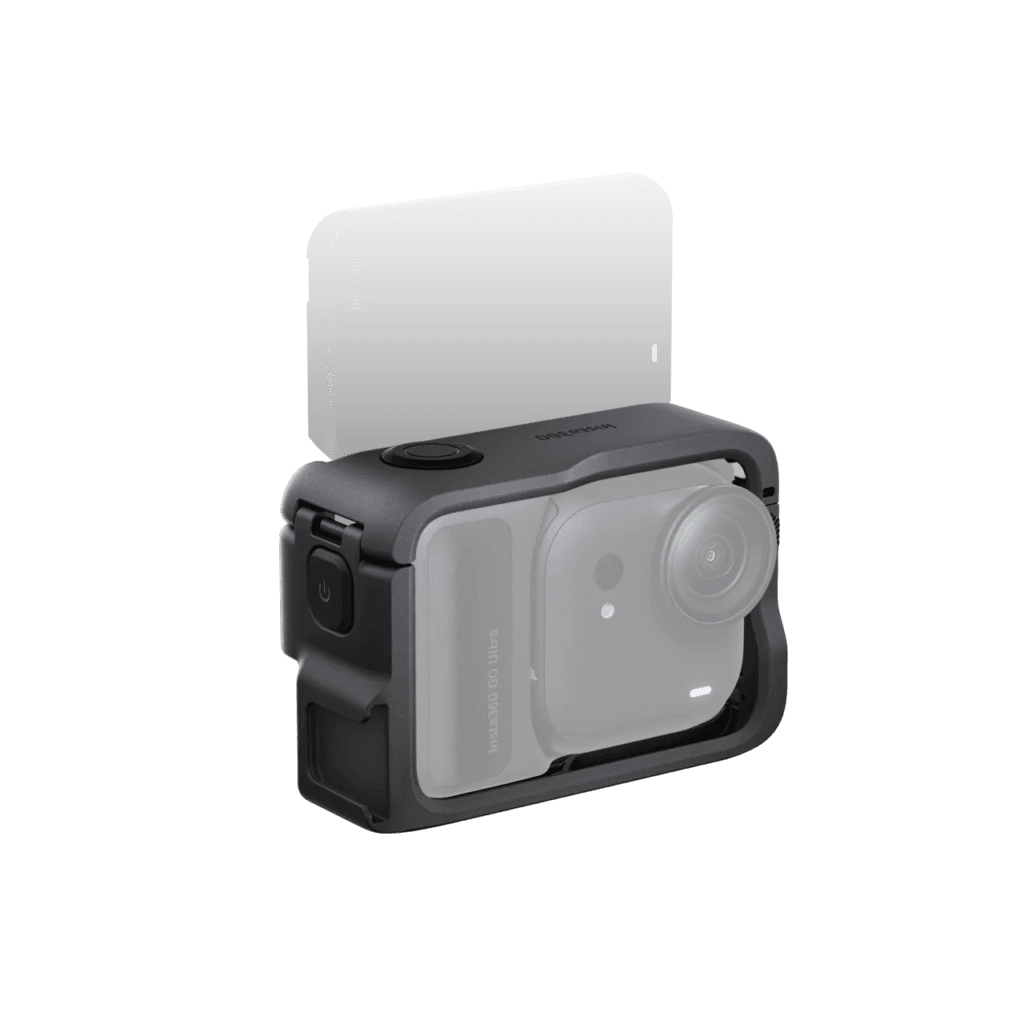
A full-wrap protective frame for the GO Ultra. Both sides support Quick Release Mount installation, and when paired with magnetic quick-release accessories or a Pivot Stand, you can protect the camera while freely switching between landscape and portrait shooting orientations.
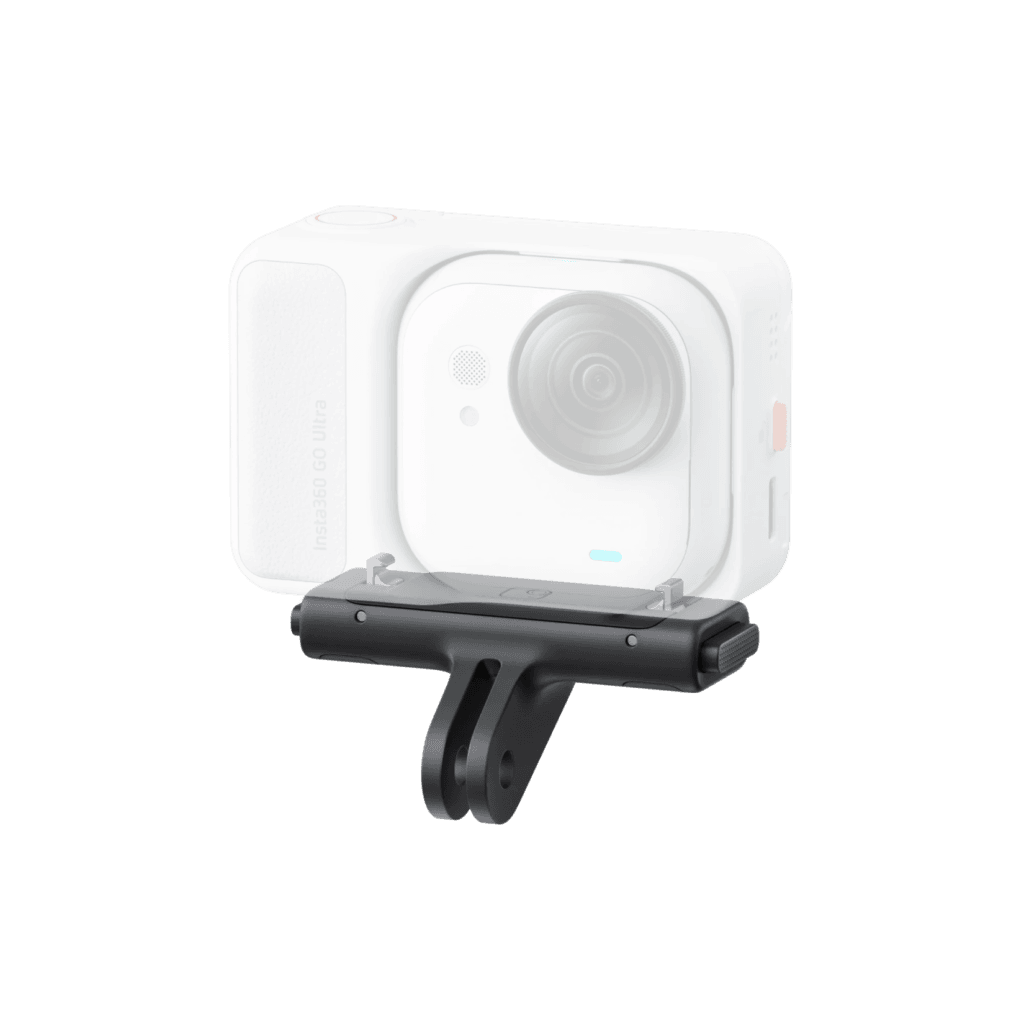
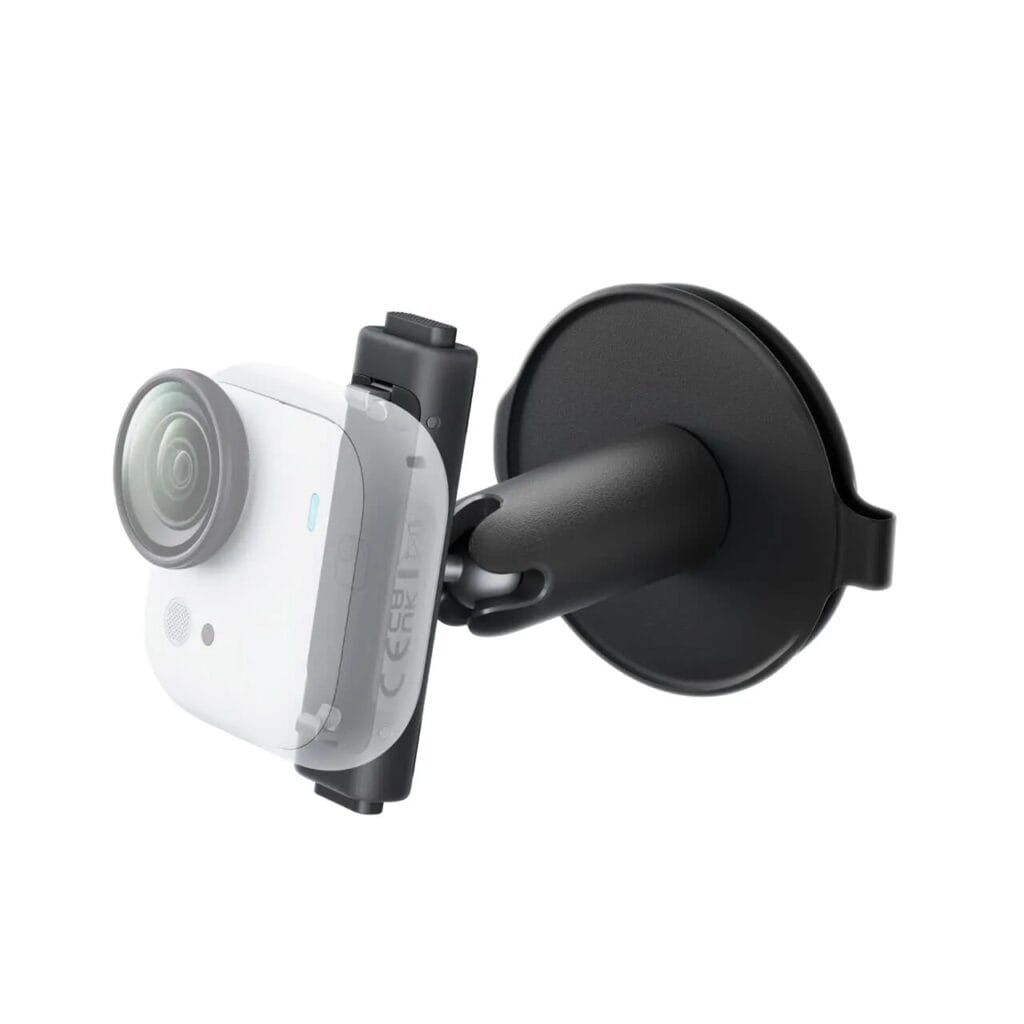
GO Ultra Quick Release Mount
The GO Ultra Quick Release Mount uses a dual-magnet system combined with a locking buckle to keep the camera firmly and safely in place — no risk of it coming loose mid-shoot.
The quick-release mechanism lets you attach and detach the camera in seconds, saving precious recording time. The tilting dual-claw adapter also allows flexible angle adjustment, making it ideal for first-person POV, action recording, and travel shooting where getting the right angle is everything.
GO Ultra Ring Remote
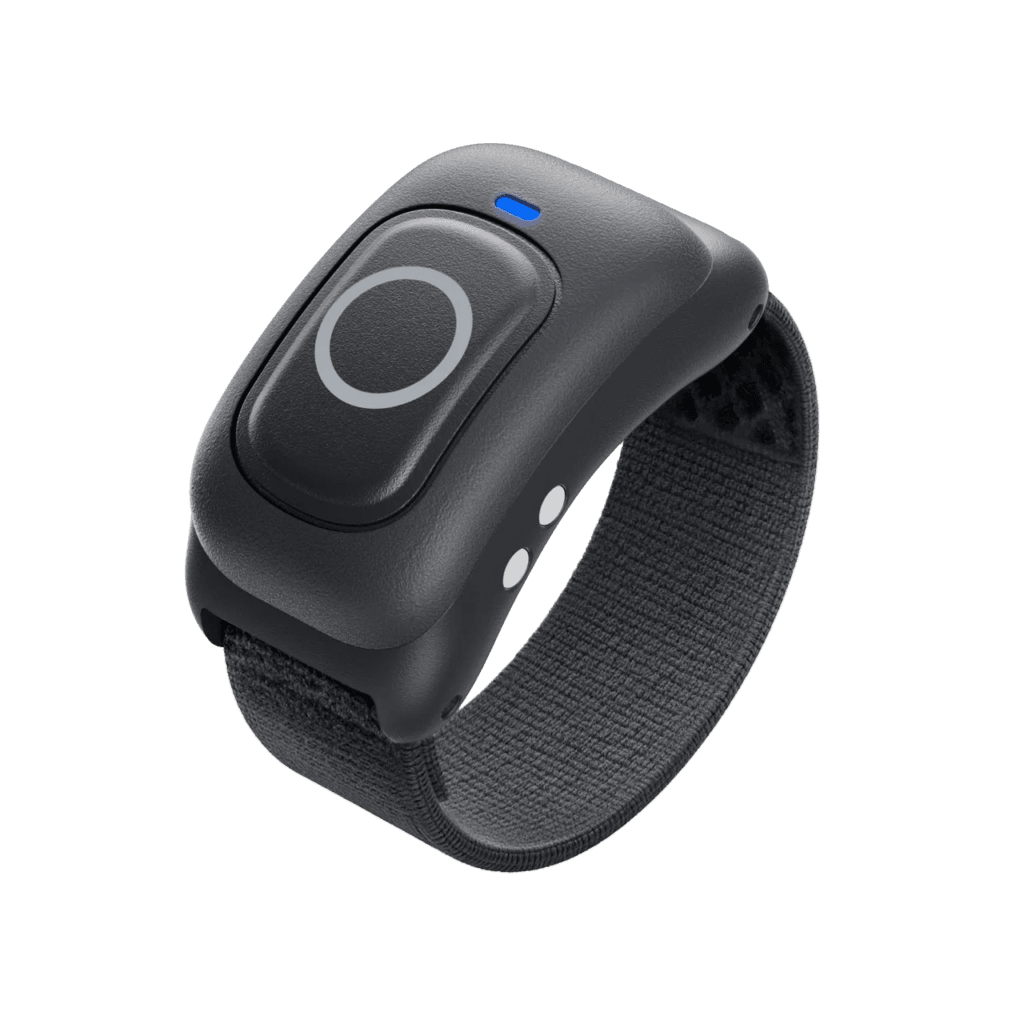
The Ring Remote lets you control the GO Ultra with just a thumb press. It’s IPX7 waterproof, works at distances up to 20 meters, and is compatible with multiple Insta360 cameras including the GO Ultra, X5, and Ace Pro 2. Whether you’re running or cycling, you can start and stop recording with one hand — practical and efficient.
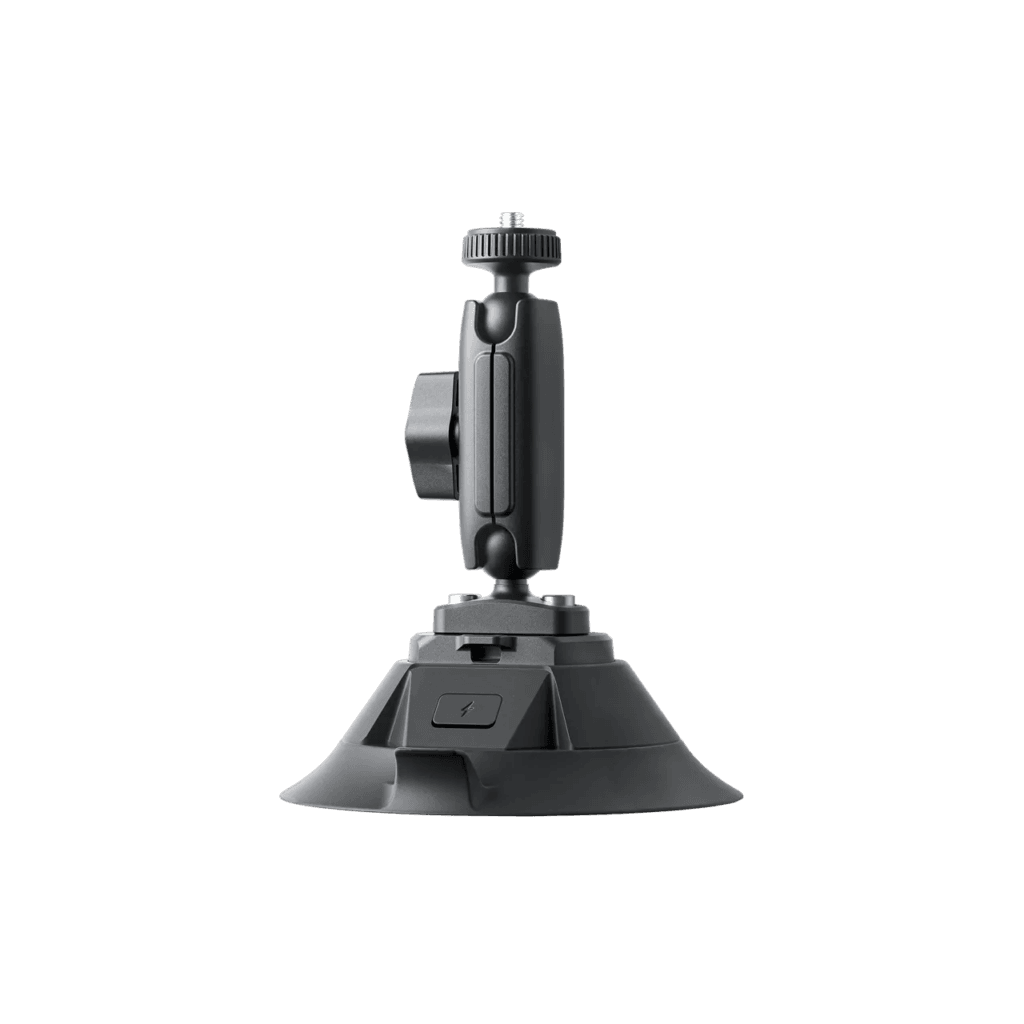
GO Ultra Pivot Stand
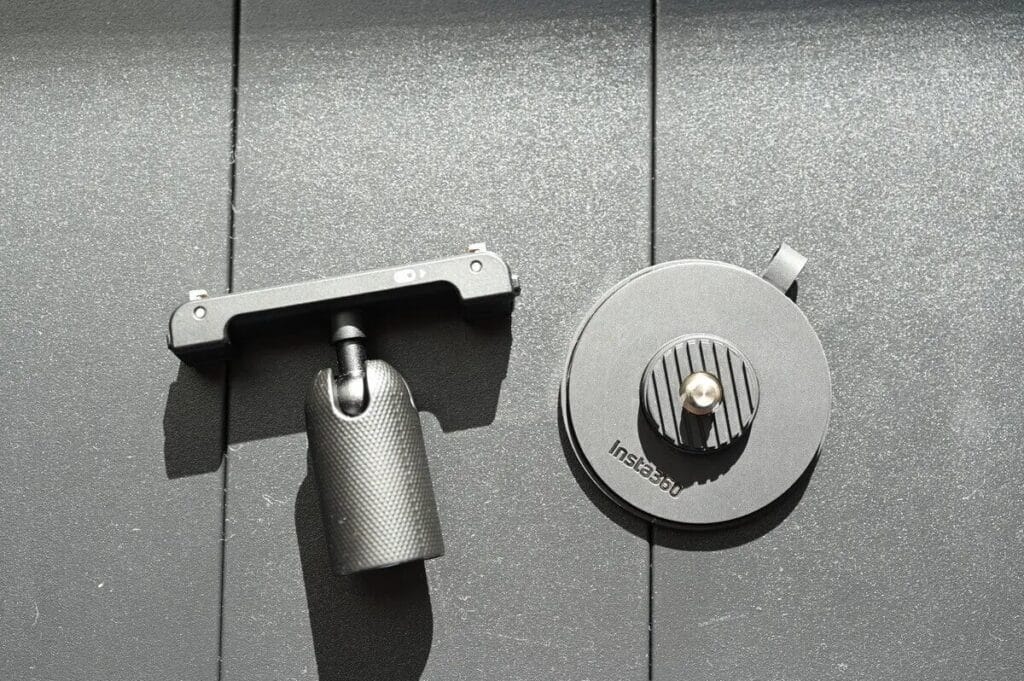
The GO Ultra Pivot Stand is a versatile multi-position mount that lets you attach the GO Ultra almost anywhere. Its flexible base adheres firmly to flat or mildly curved surfaces — desks, walls, car windows — providing stable support. The reusable adhesive design allows repeated removal and reinstallation, so you can reposition as needed without any fuss.
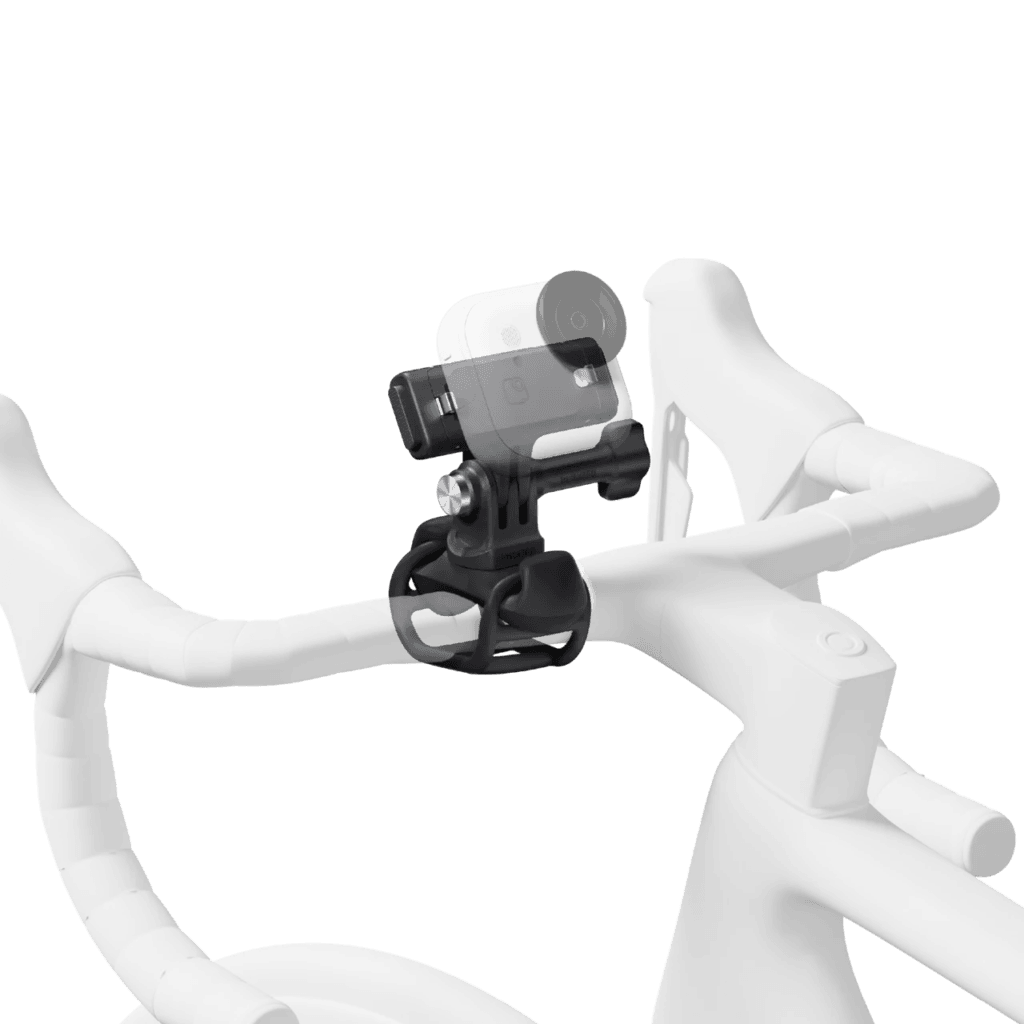
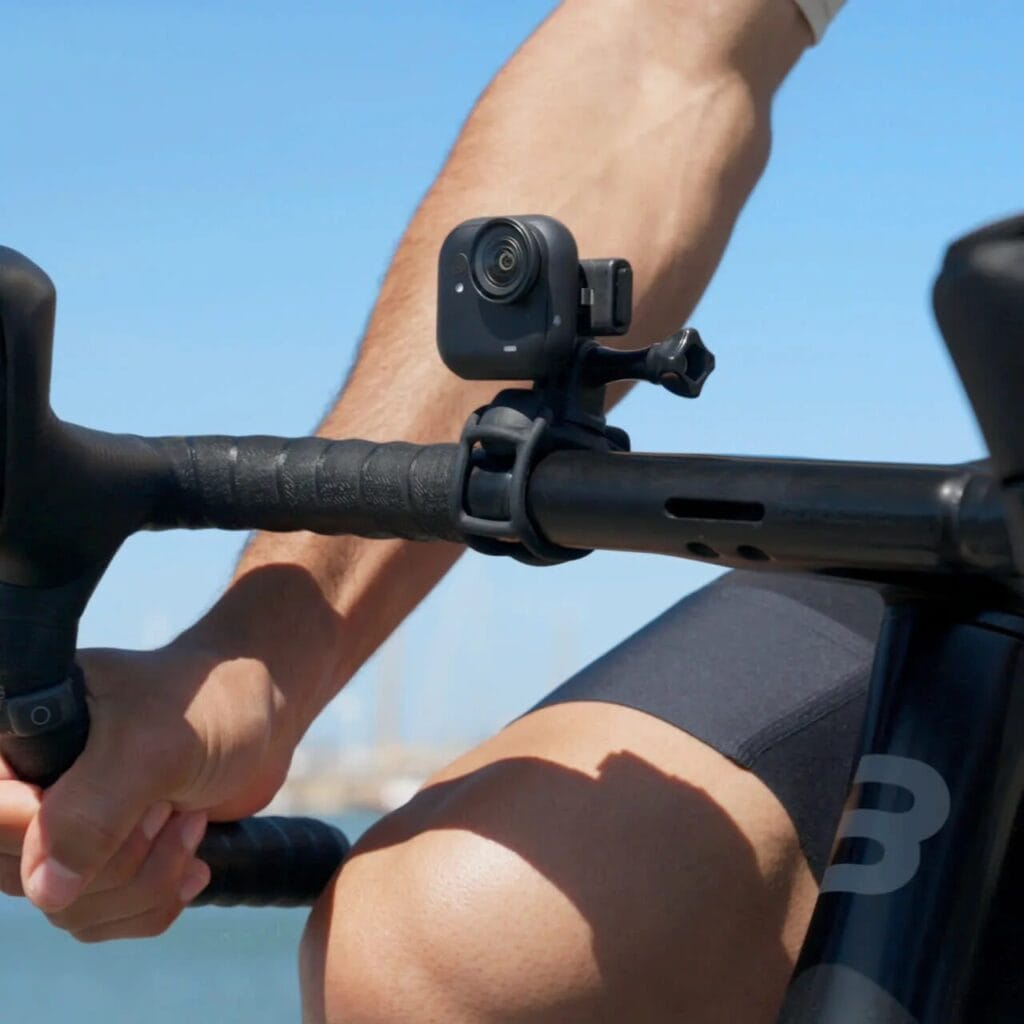
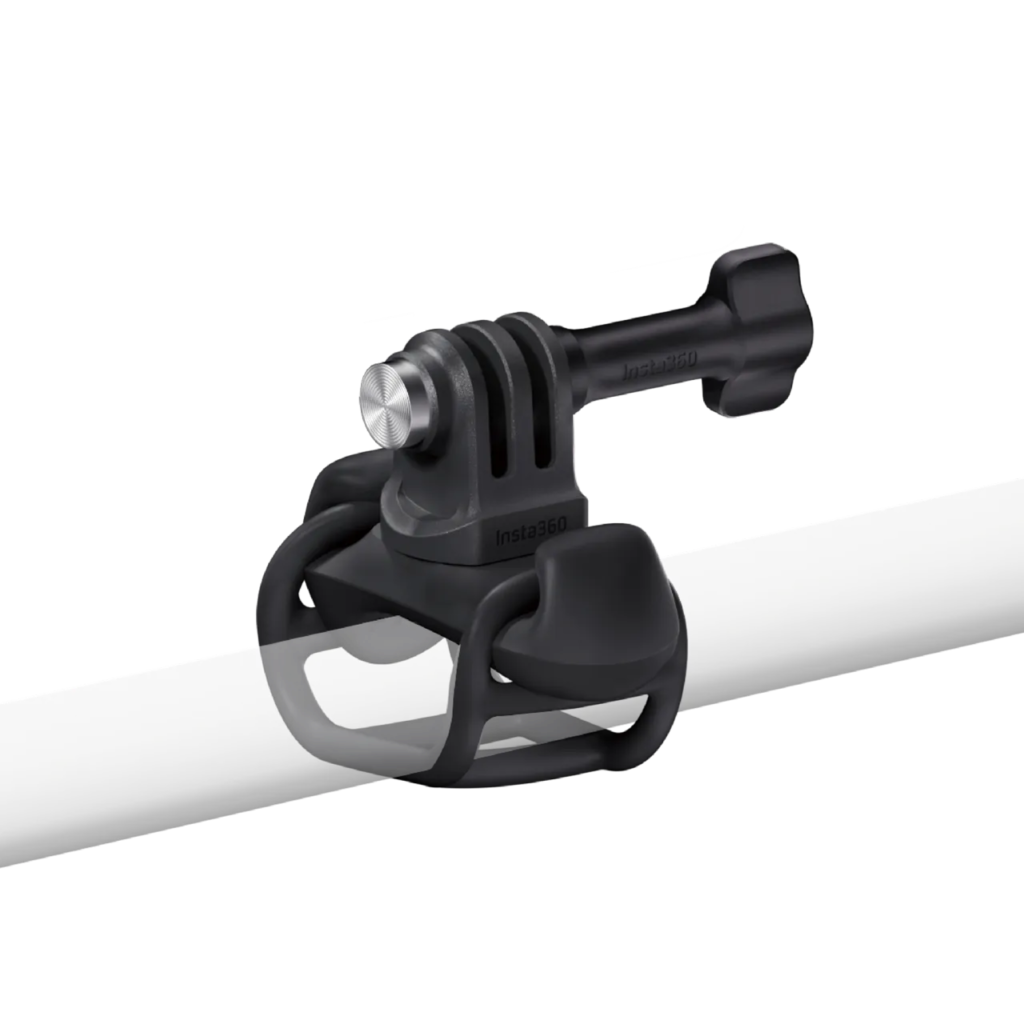
Flexi Strap Mount
The Flexi Strap Mount makes it easy to secure the GO Ultra in a wide range of positions. Its elastic strap combined with a rotating connector supports 360° horizontal rotation for capturing footage from multiple angles. The soft material won’t scratch or leave marks. Wrap it around a bike handlebar or any cylindrical surface and you can freely adjust the GO Ultra’s recording angle to get exactly the shot you want.
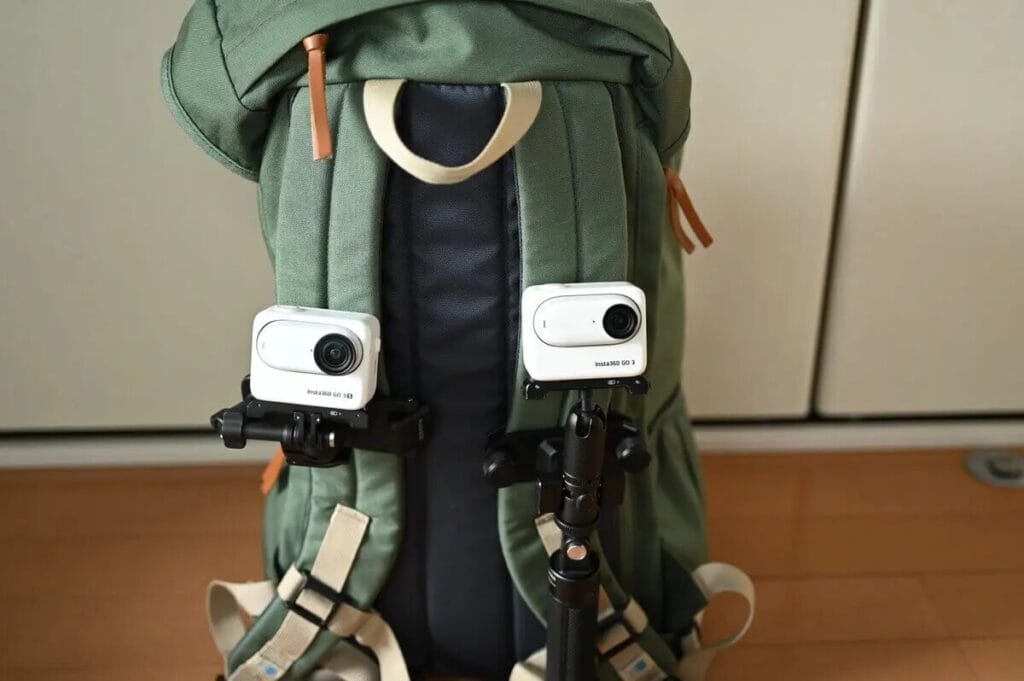
Backpack Clip
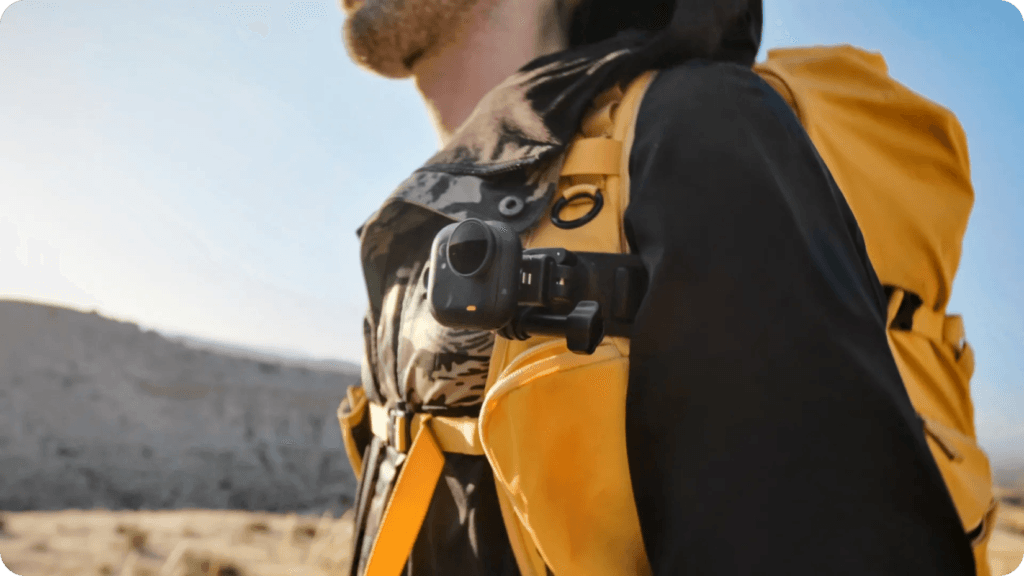
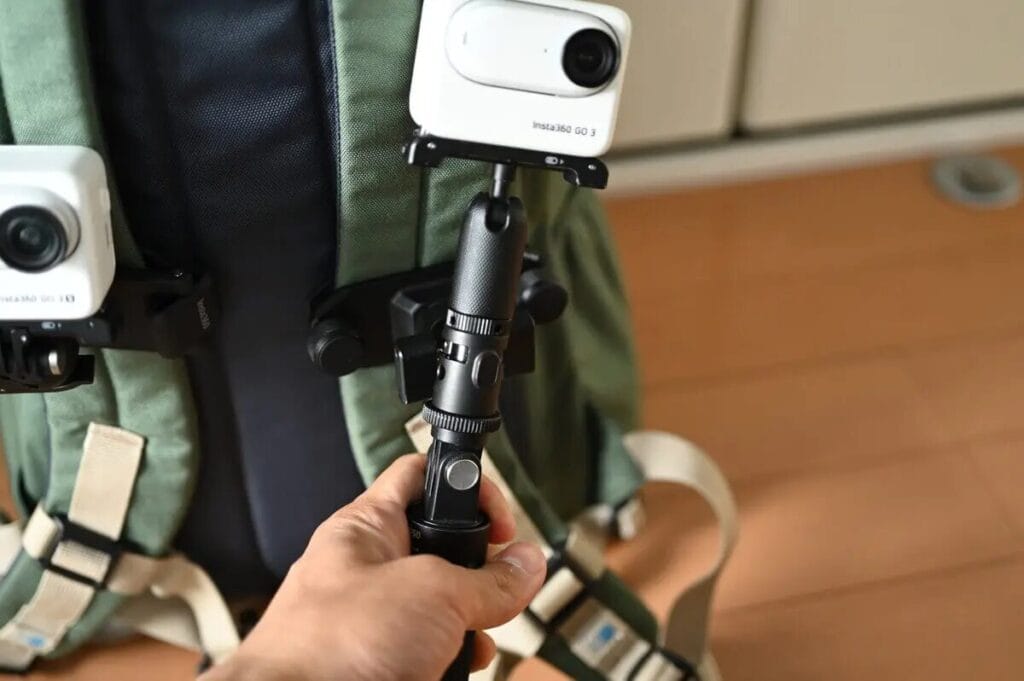
Beyond the Flexi Strap, the Backpack Clip is an equally practical accessory — especially popular among hikers ⛰️ and trekkers 🚶. Unlike a strap mount, the Backpack Clip lets you attach the GO Ultra directly to a backpack shoulder strap for stable, hands-free recording during outdoor activities. It’s a serious convenience upgrade on the trail.
This accessory is extremely popular in the hiking community and frequently sells out — keep an eye on the Insta360 official store for restocks. I’ve been using the Backpack Clip since the GO 3S days, and it’s become an essential piece of gear for both short hikes and multi-day treks.
Insta360 Helmet Chin Mount 2.0
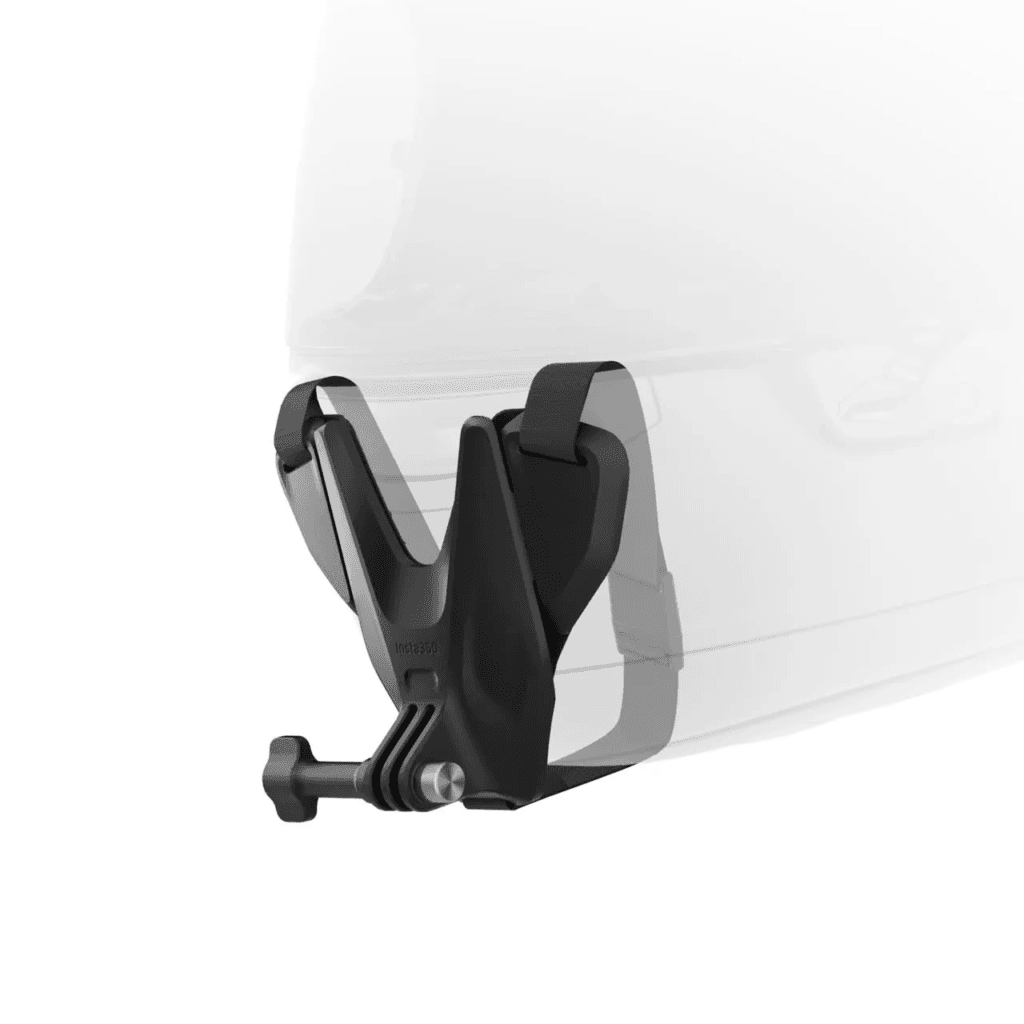
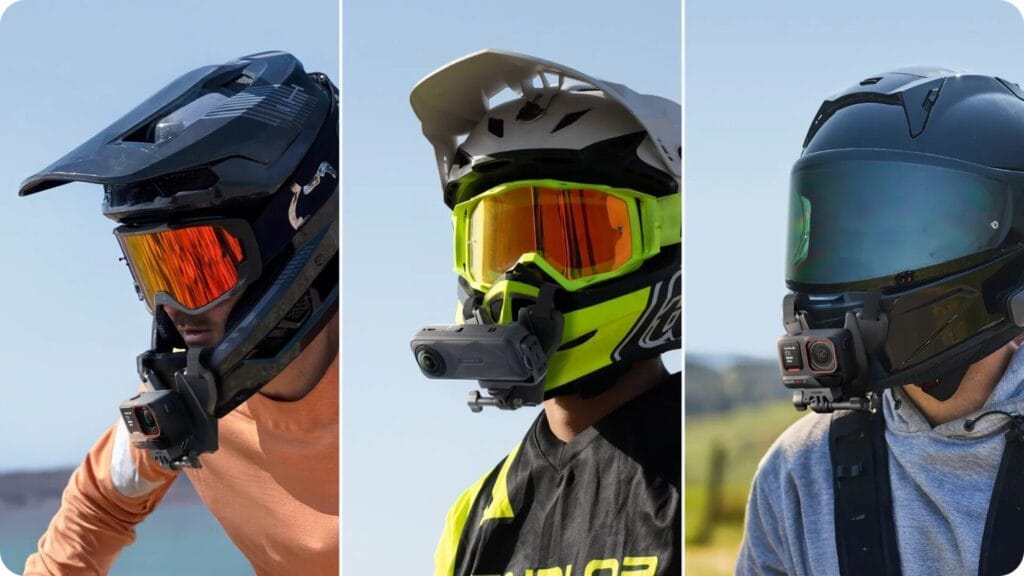
The Insta360 Helmet Chin Mount 2.0 is the go-to accessory for capturing immersive action POV footage. Compatible with full-face, modular, motocross, and dual-sport helmets, it lets you shoot a first-person riding perspective that puts viewers right in the action. Note that this accessory requires the Quick Release Mount for installation.
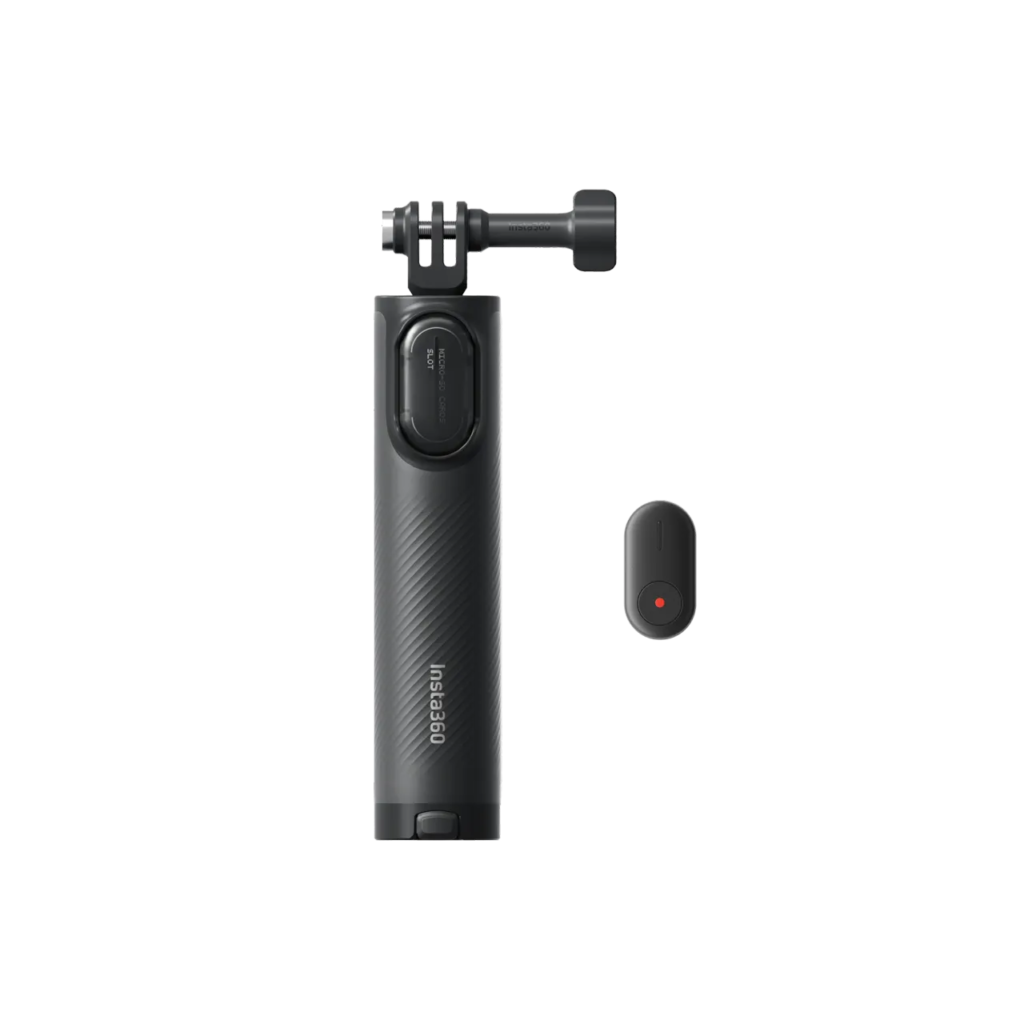
2nd Gen Mini 2-in-1 Tripod & Mini Power Handle
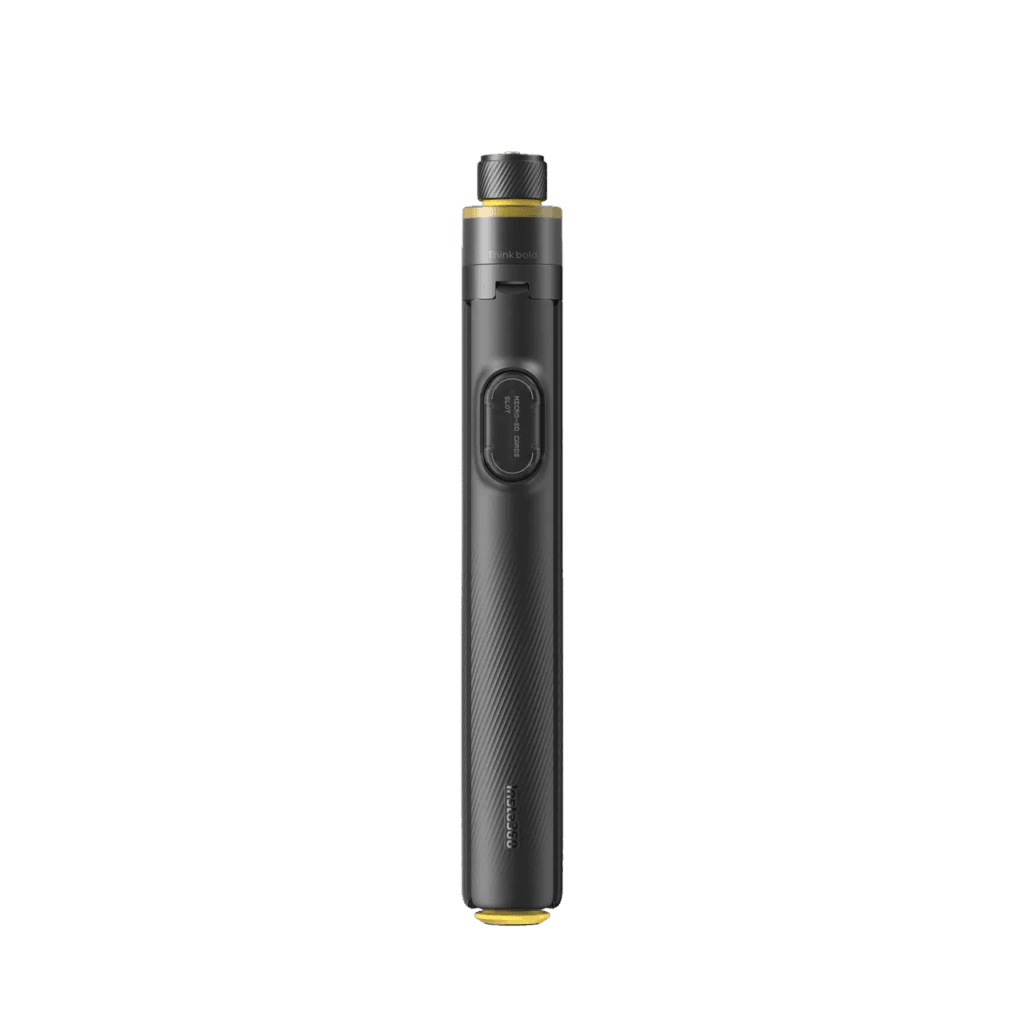
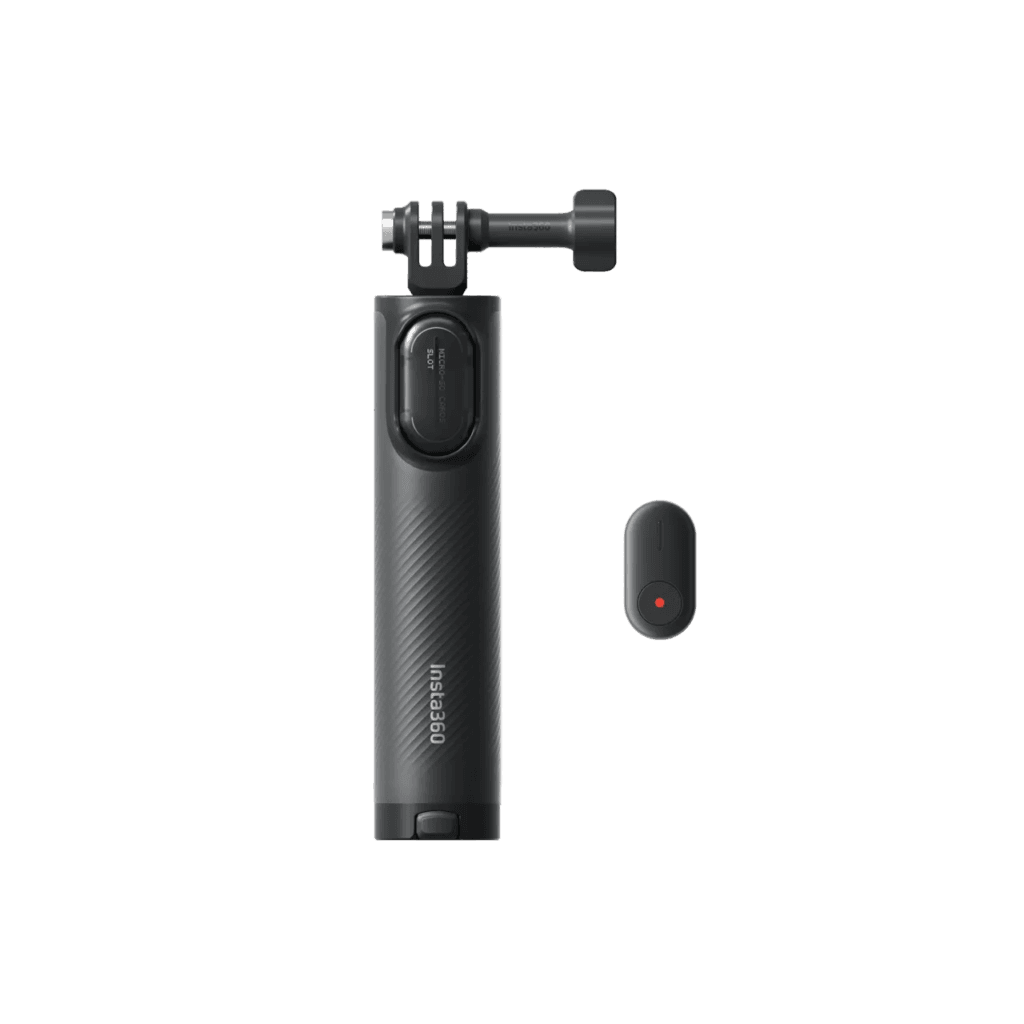
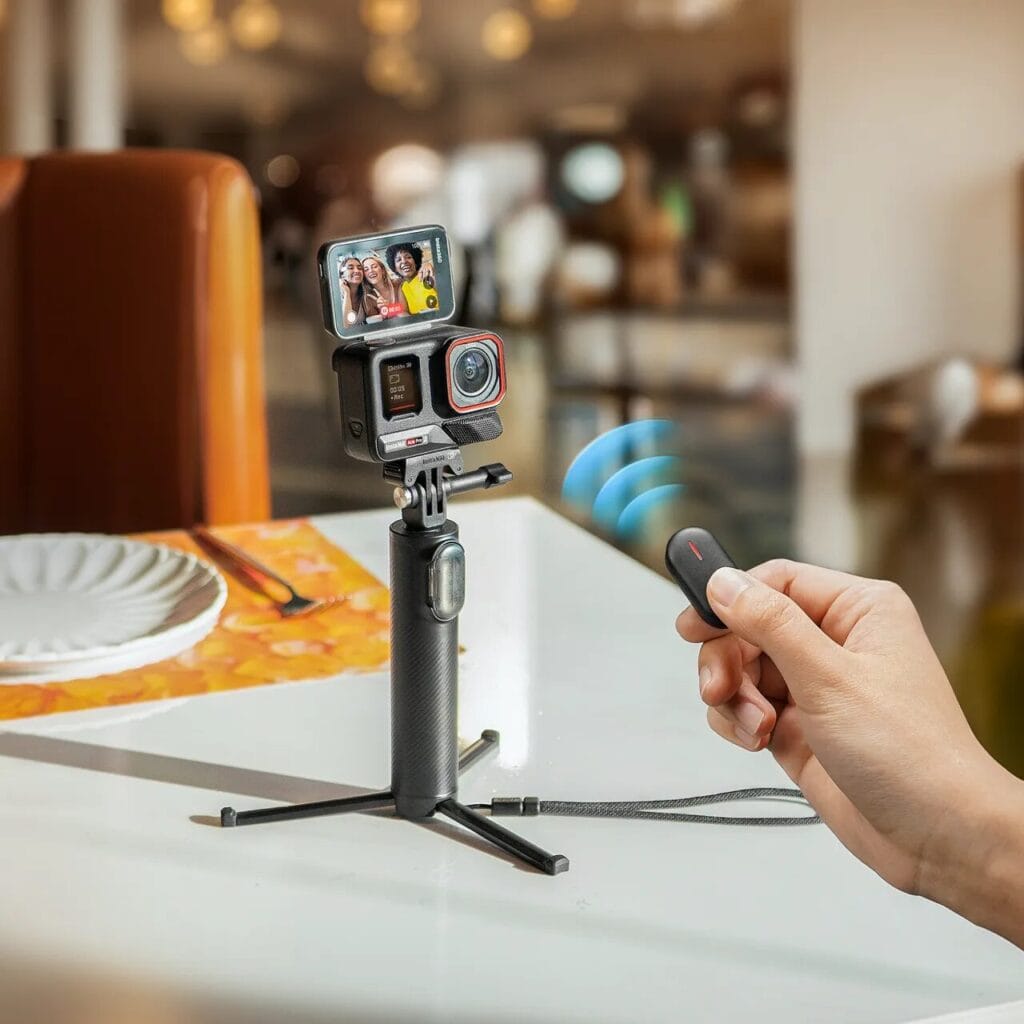
This selfie stick cleverly combines a tripod and selfie stick in one — and the second generation adds a Bluetooth button for even easier control. I’ve been using this since the first gen and highly recommend the 2nd Gen bundle (with remote) for anyone who regularly shoots across multiple devices or setups.
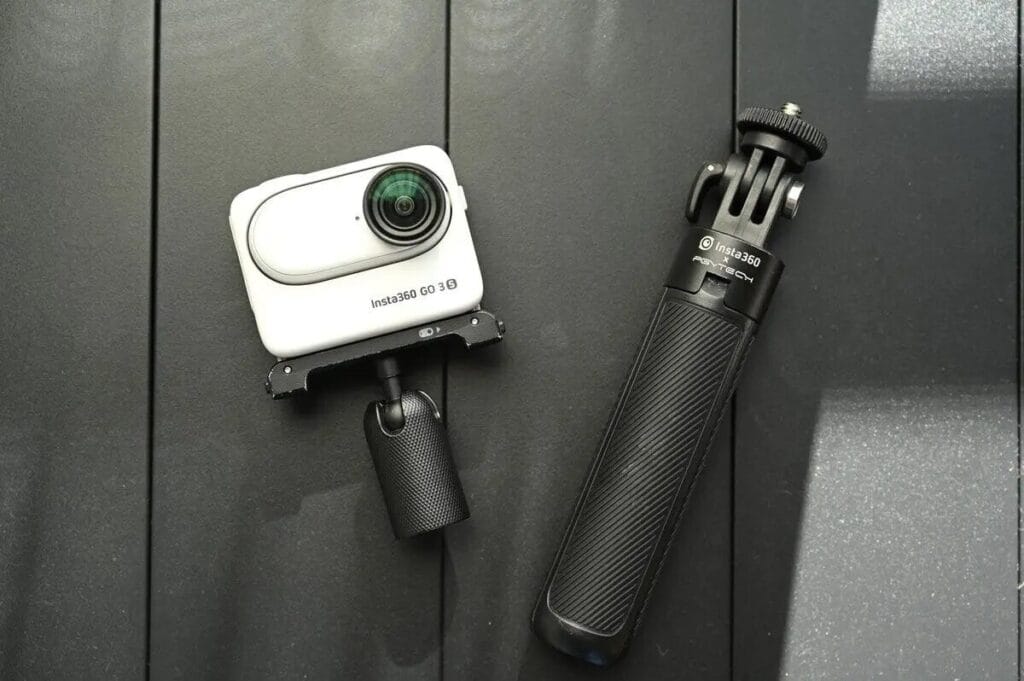
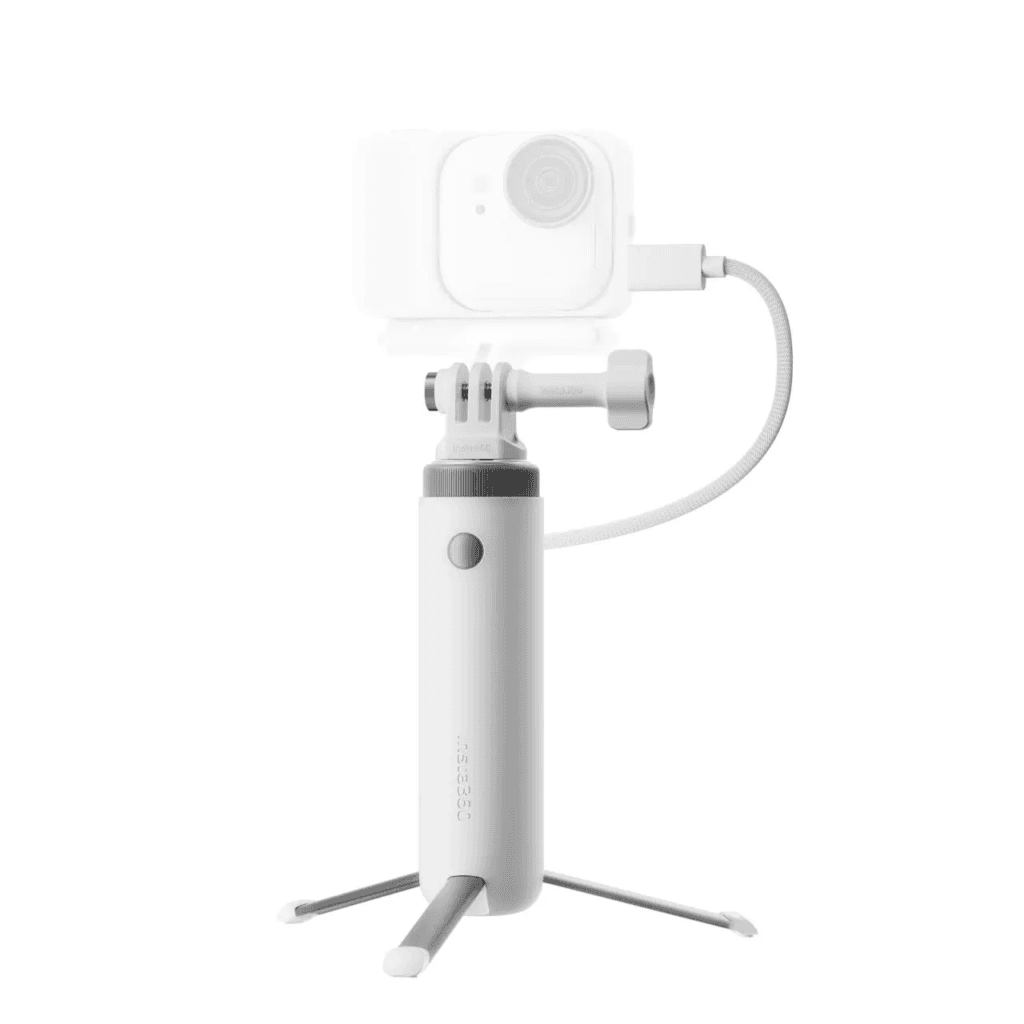
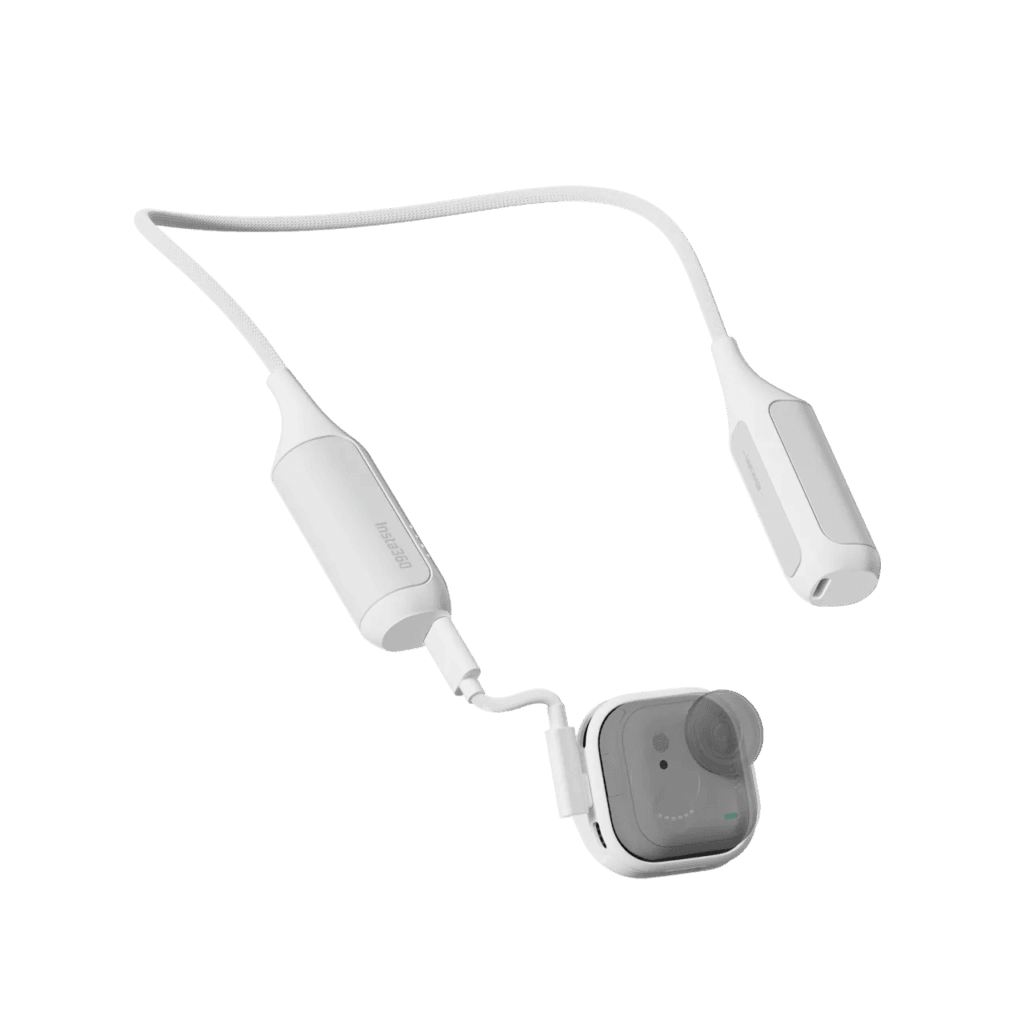
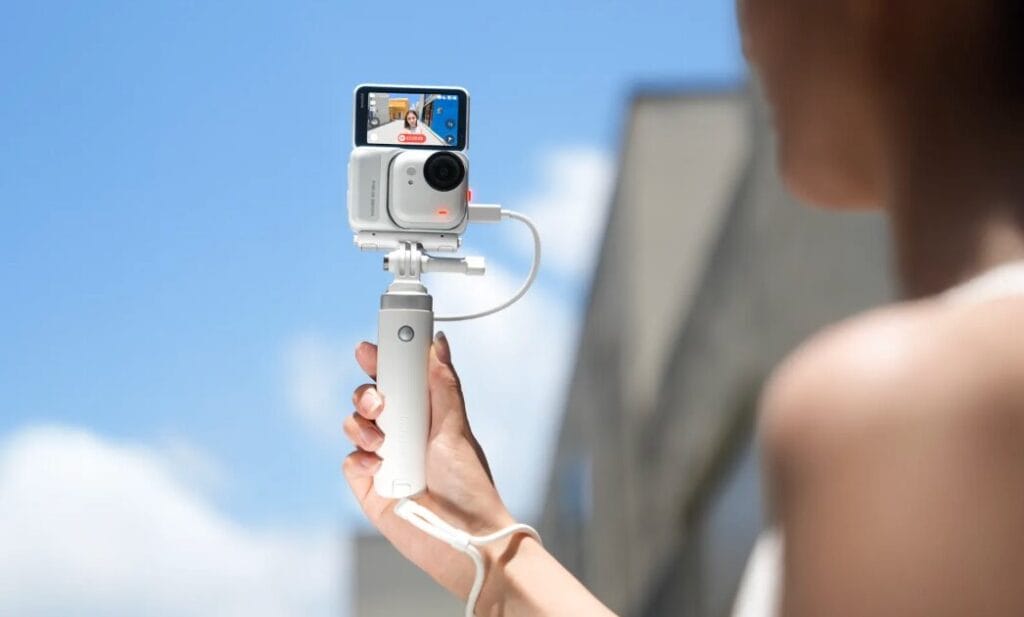
Similar to the mini tripod, Insta360 also offers the white Mini Power Handle. It functions as both a mini tripod and selfie stick, but with built-in charging capability — essentially a “tripod selfie stick that can also charge your camera.” For creators who need extended Vlog recording sessions on the go, this accessory is an excellent solution to battery anxiety, and well worth picking up.
2-in-1 Selfie Stick + ThrowPod
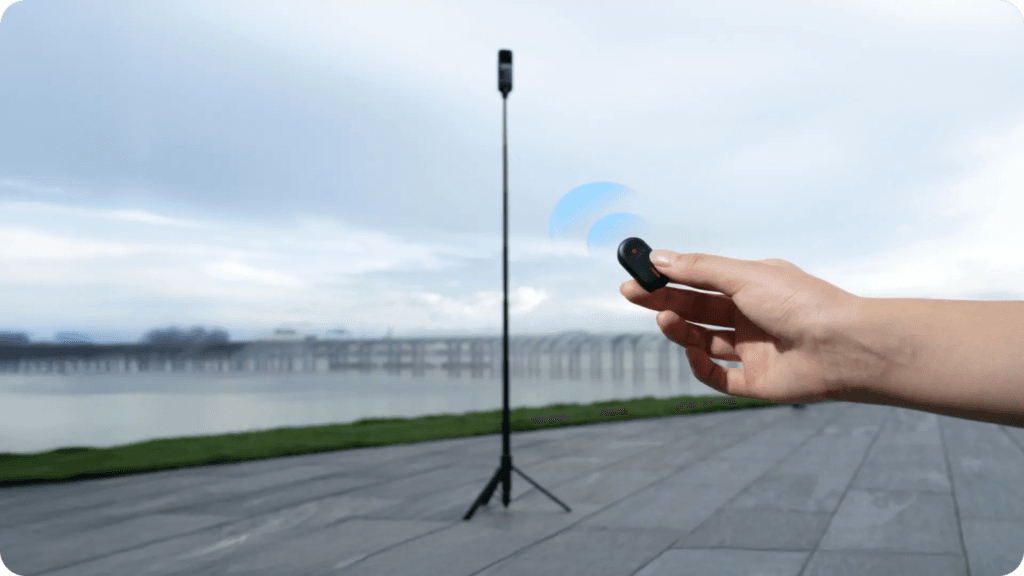
If you need to shoot full-body frames on a tripod, this is the one to get. The 2-in-1 Selfie Stick + ThrowPod extends up to 3.6 feet (approximately 1.1 meters), providing stable support while making it easy to capture head-to-toe shots exactly as intended.
FOMO Flexi Mount (External Charging Dock)
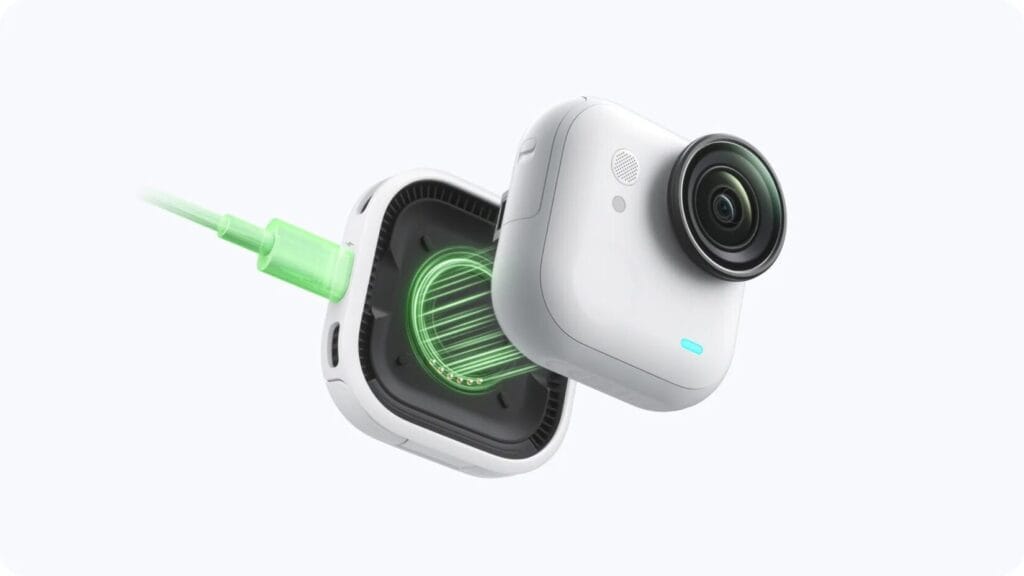
Think of this accessory as an external power bank for the GO Ultra. It connects magnetically via the base port and can accept power from an external source via the dock’s USB Type-C port — extending the GO Ultra’s runtime without interrupting recording.
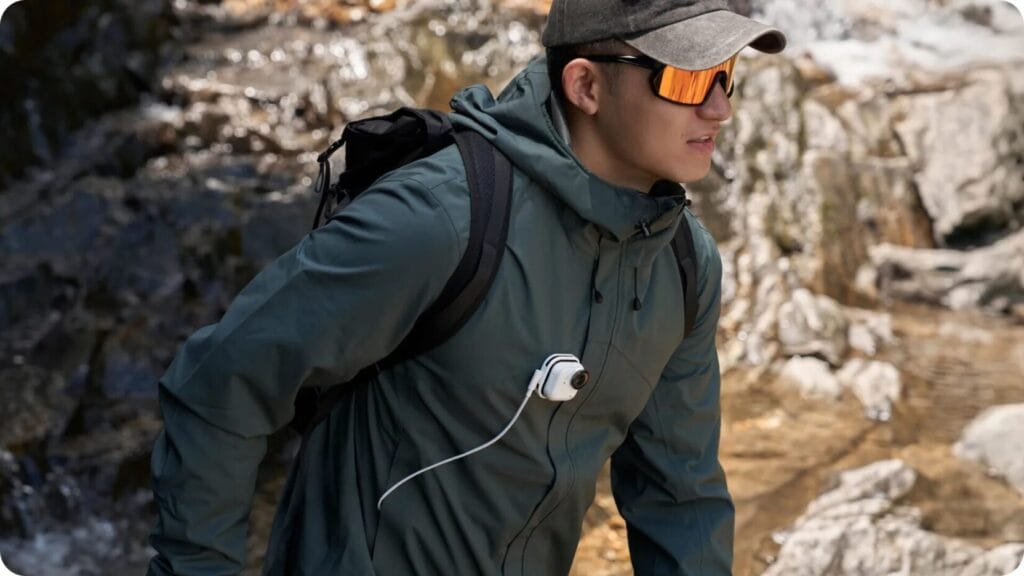
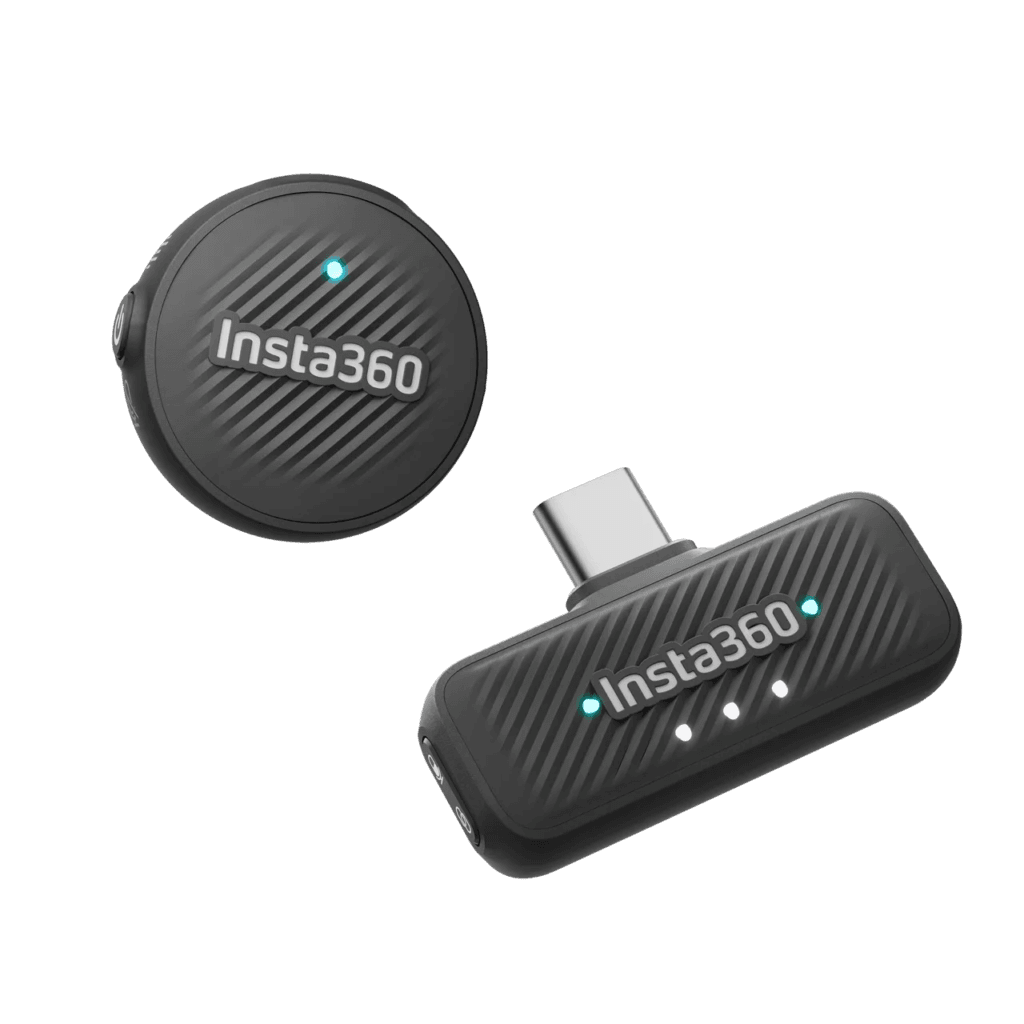
Insta360 Mic Air
For content creators who want high-quality Vlog audio, pairing the GO Ultra with the Mic Air wireless microphone is the best way to elevate your video’s production value. This accessory is also included in the GO Ultra Vlogger Bundle.
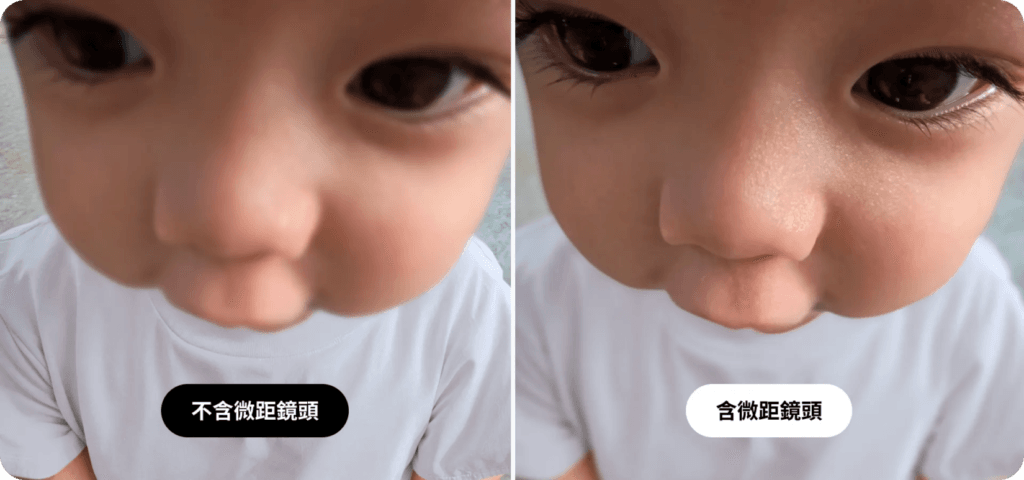
GO Ultra Toddler Titan Kit (Hat Clip + Micro Lens)
Clip the GO Ultra onto your baby’s hat paired with the Micro Lens, and you can capture extreme close-up details from as close as 3cm — eyelashes fluttering, tiny fingers exploring — in a perspective that’s genuinely magical and full of wonder.
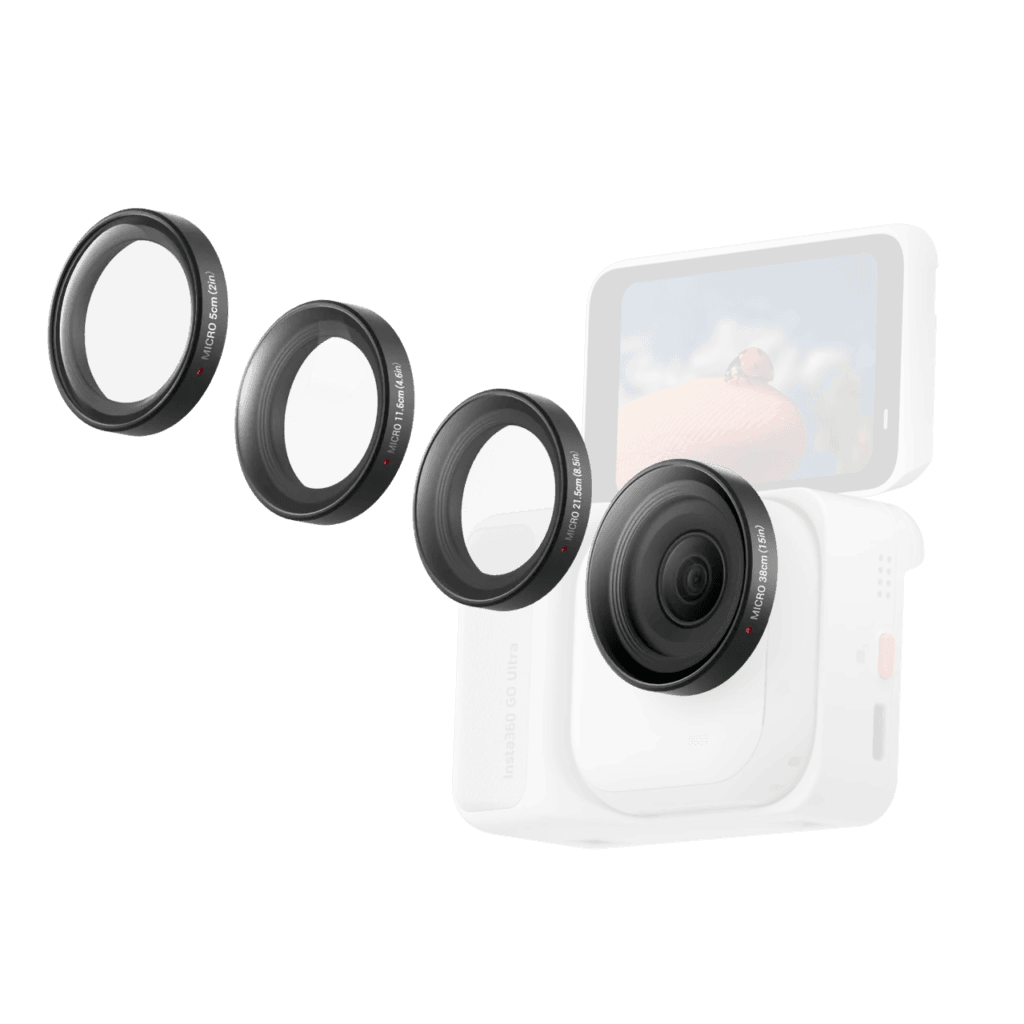
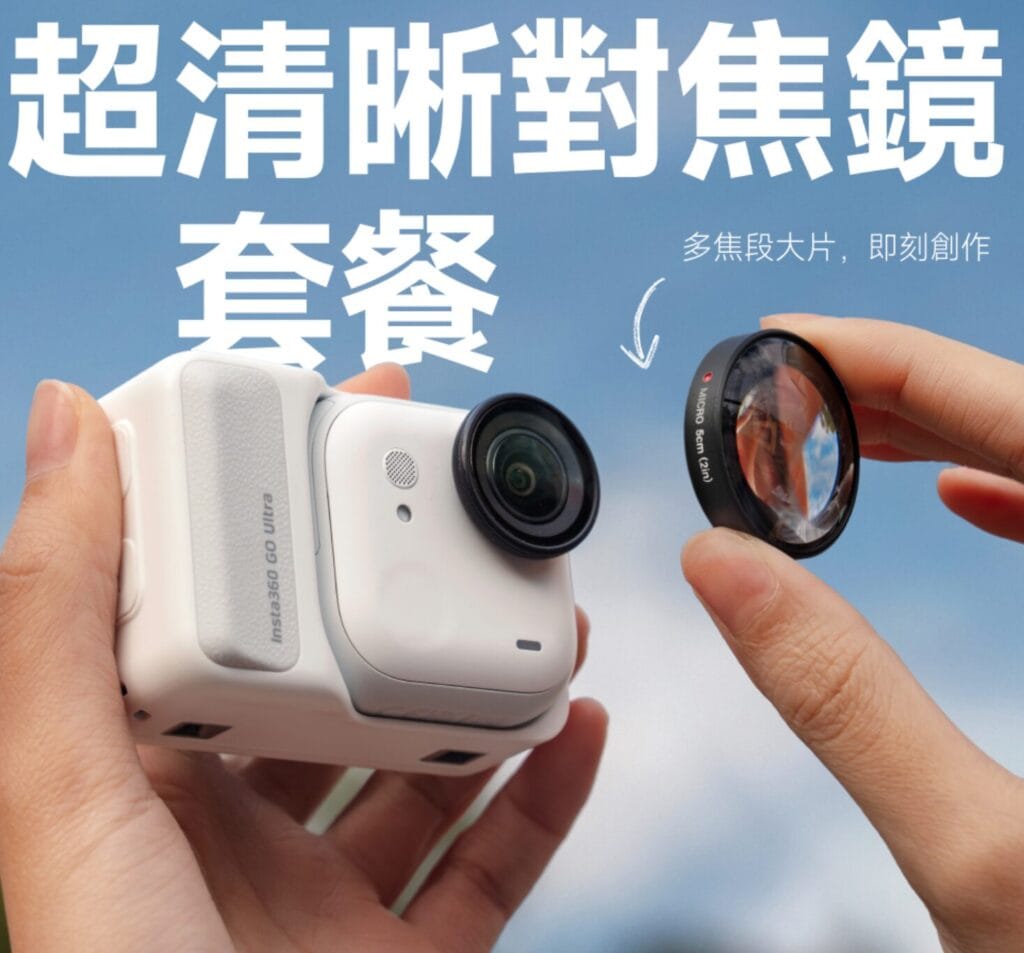
GO Ultra Micro Lens
✅ 5cm: Sharp focus at extreme close range
✅ 11.6cm: Perfect for capturing fine textures and surface details on static subjects
✅ 21.5cm: Balanced depth of field and detail — rich layering in the frame
✅ 38cm: Natural background blur — great for still life, Vlogging, and handheld POV
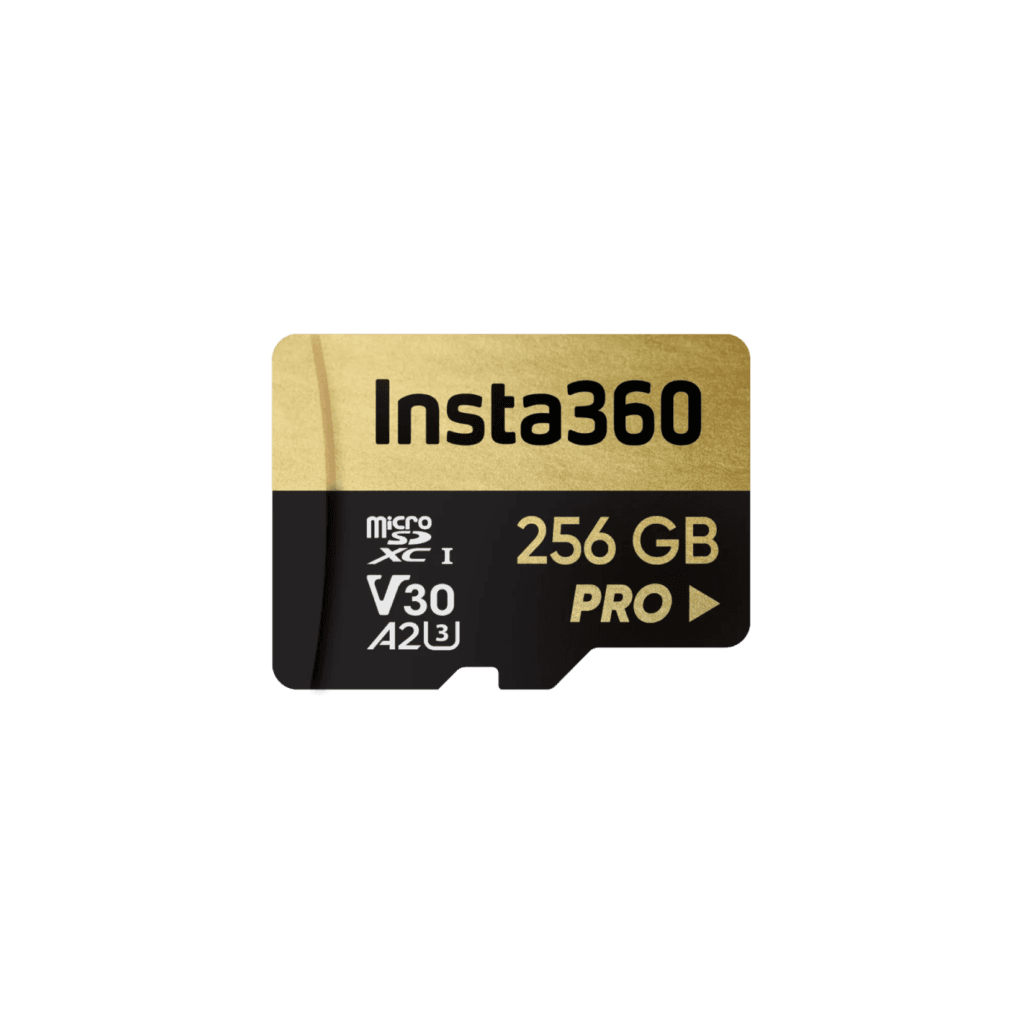
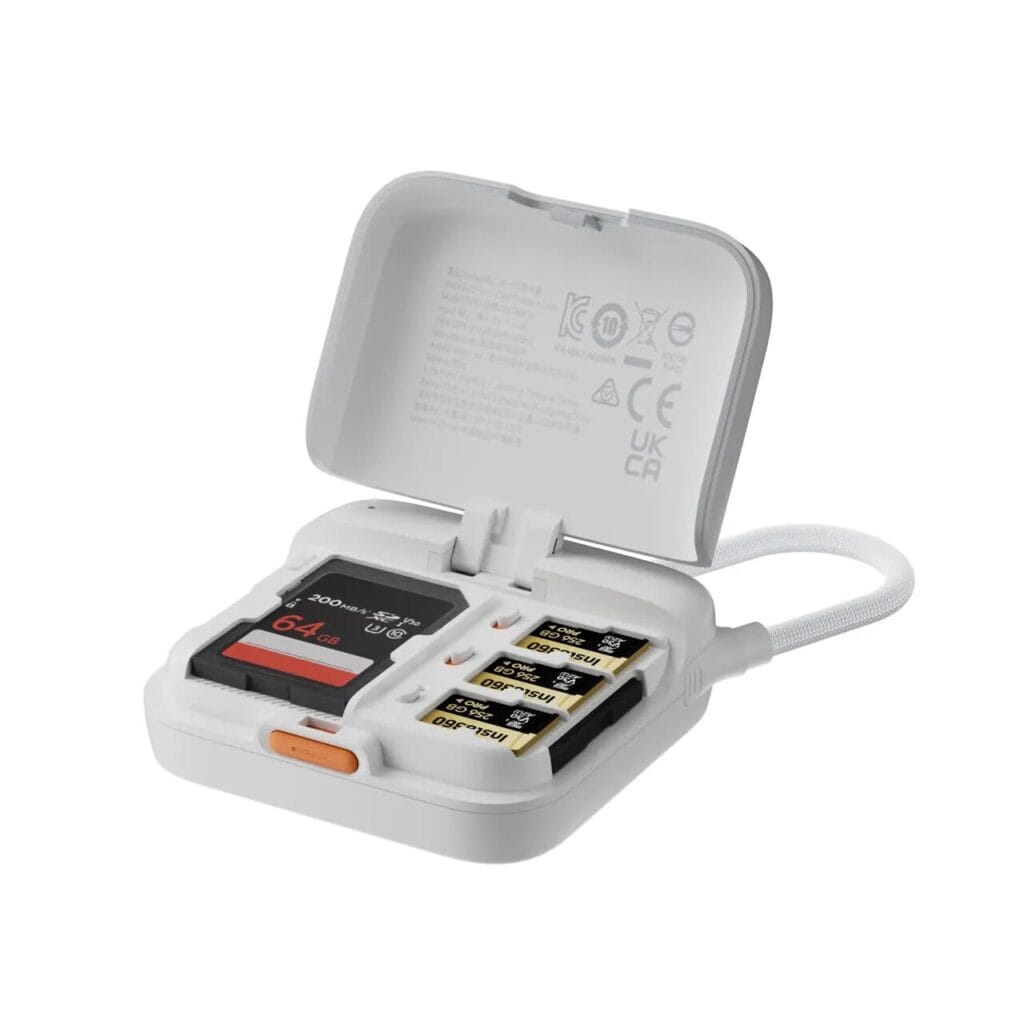
microSD Memory Card
The GO Ultra has no built-in storage and requires a microSD card to function. I recommend going with 256GB — that gives you approximately 9 hours and 47 minutes of 4K 30fps recording time. For best performance and reliability, use the SanDisk Extreme series or Insta360’s official memory card.
👉 When buying, make sure to check the write speed (V30 or above) to avoid dropped frames or recording stutters.
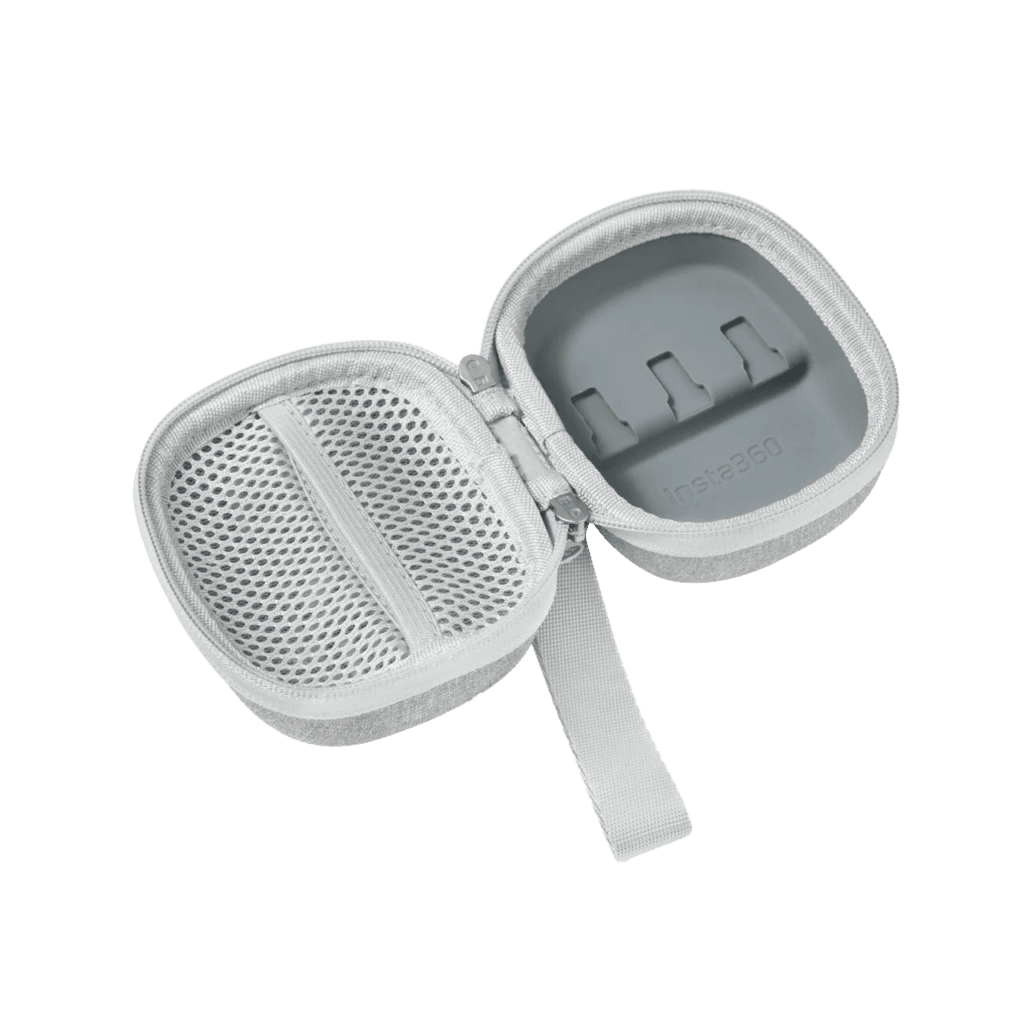
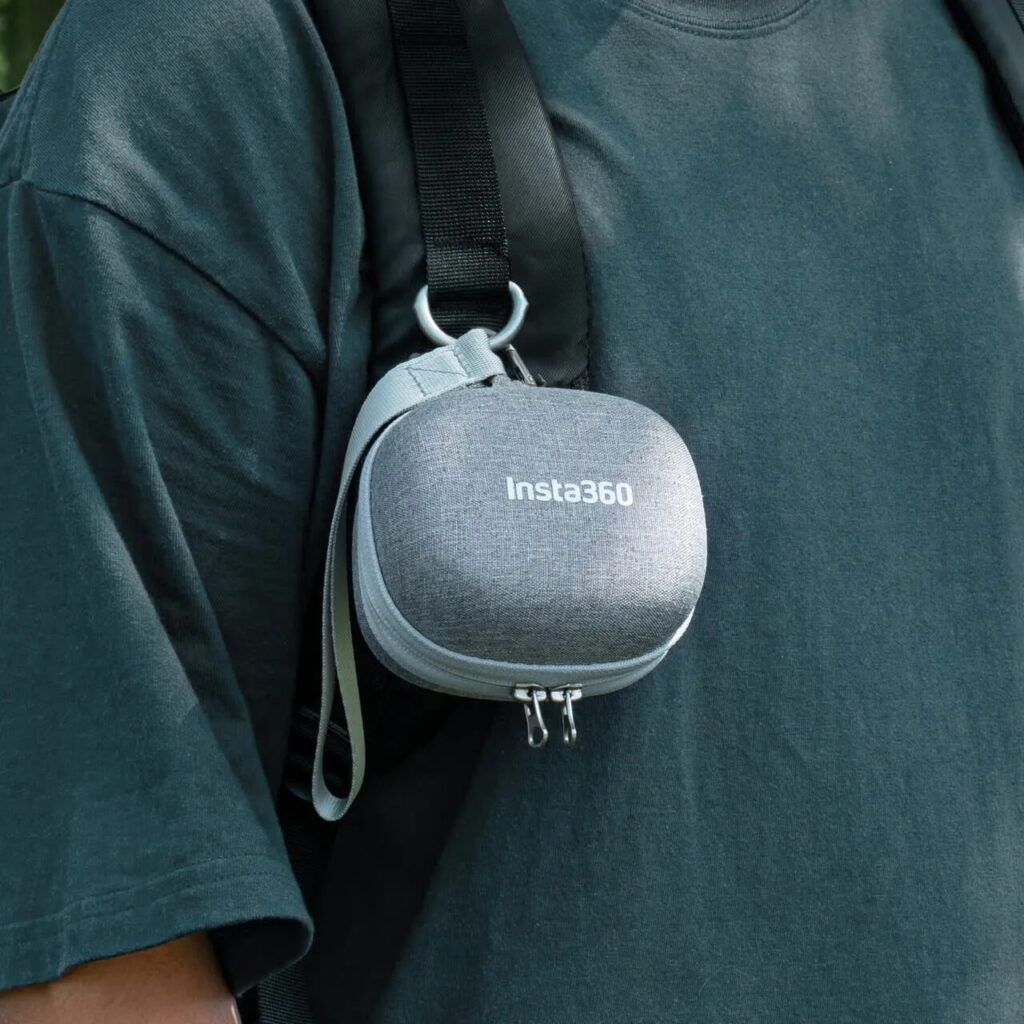
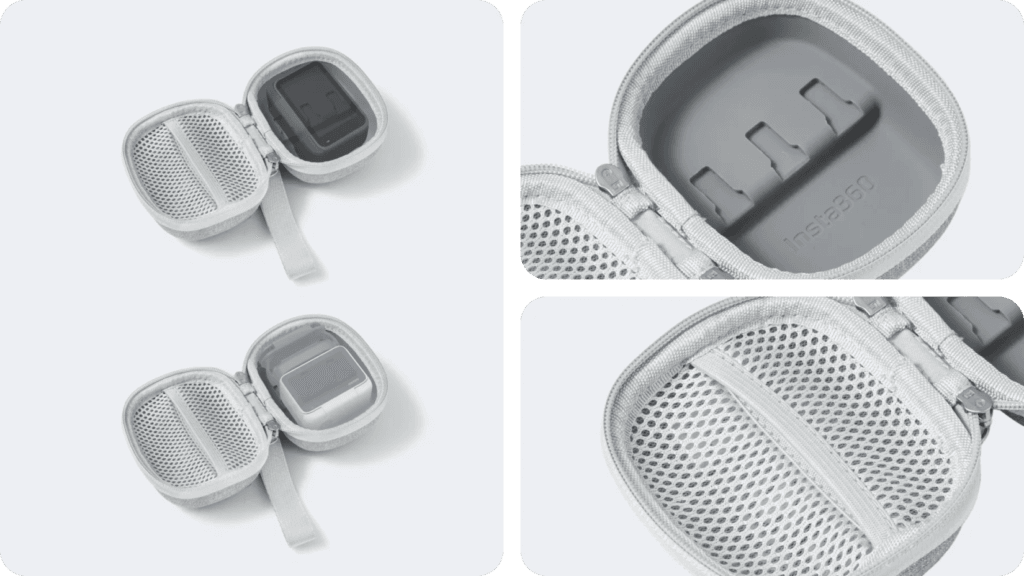
Mini Camera Case
Lightweight and travel-friendly, with a dedicated memory card slot and a mesh pocket for small accessories like batteries and straps — things that are easy to lose on the go.
2-in-1 Card Reader
Handle multiple SD cards simultaneously and access your footage whenever you need it, with transfer speeds up to 312MB/s.
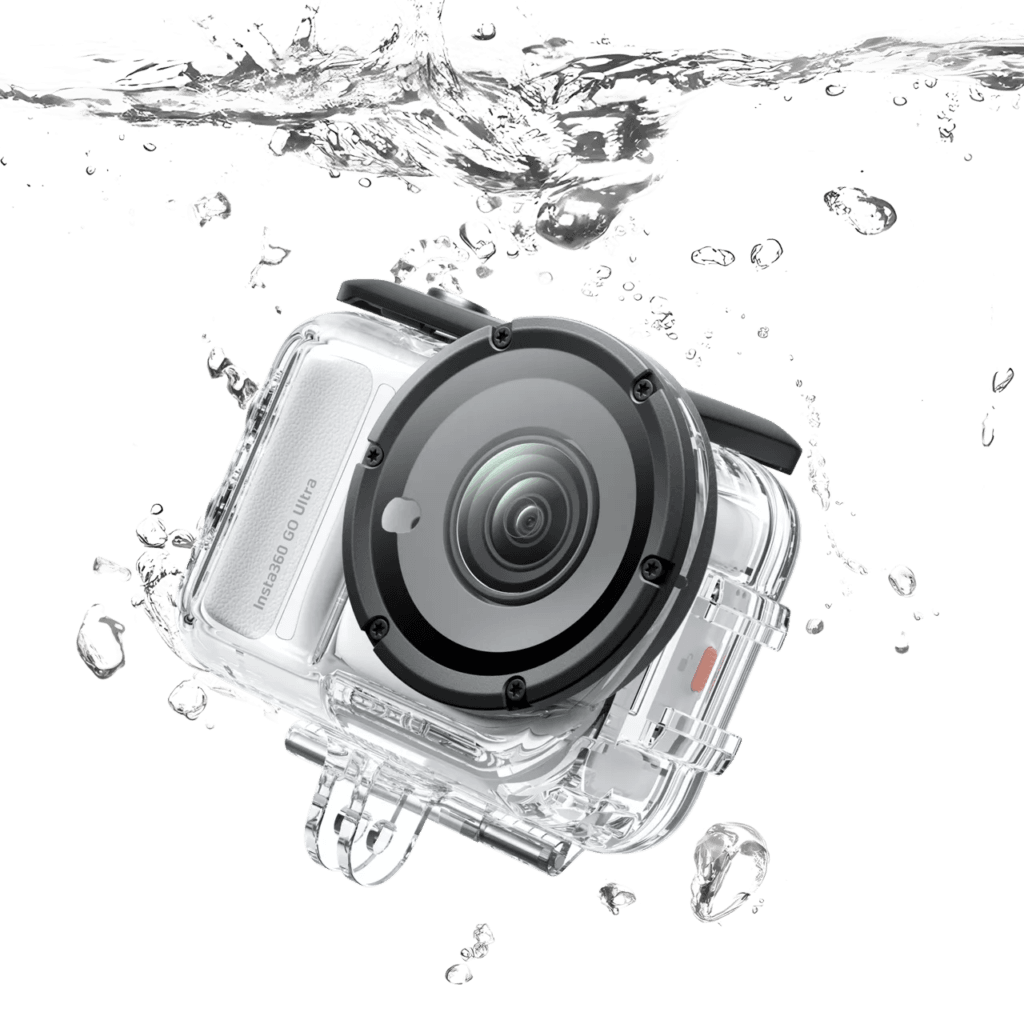
GO Ultra Dive Case
Extends the GO Ultra’s waterproofing to 197 feet (60 meters) — opening up a whole world of underwater footage.
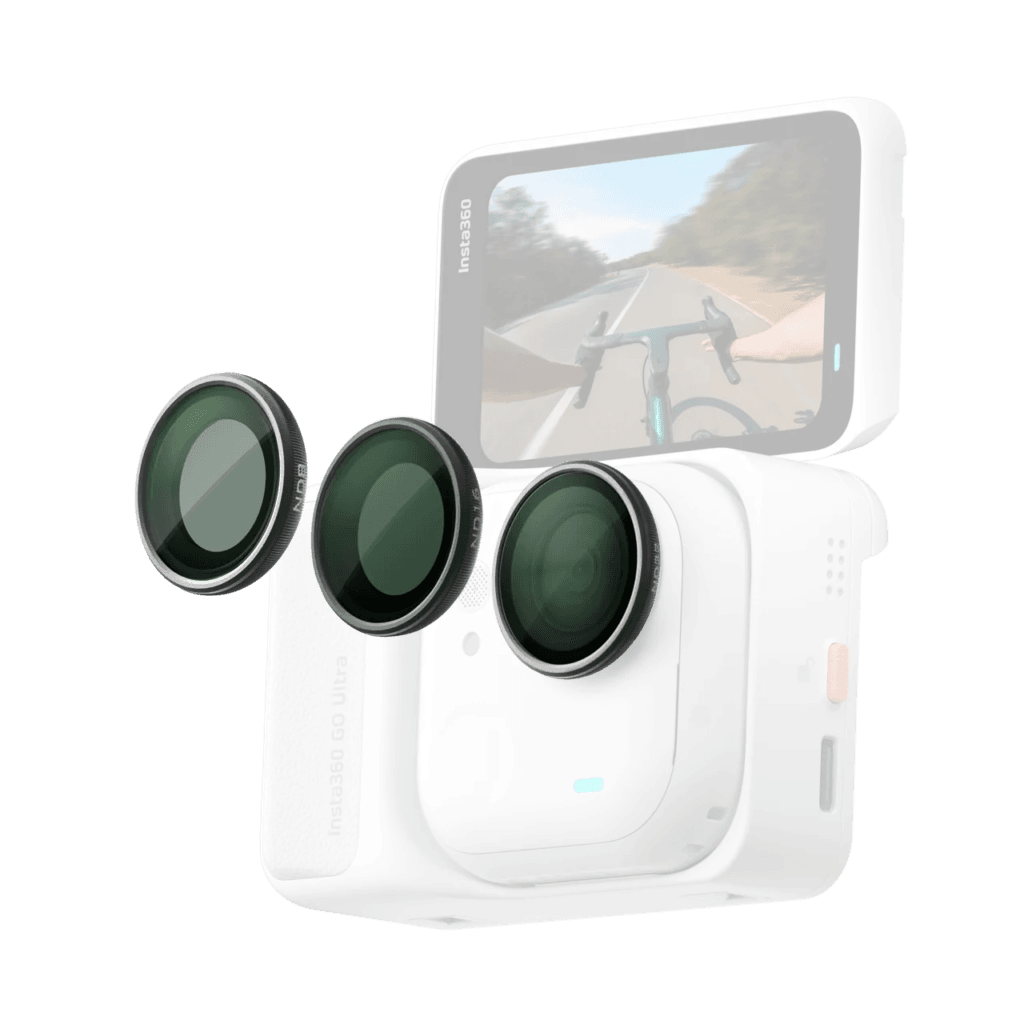
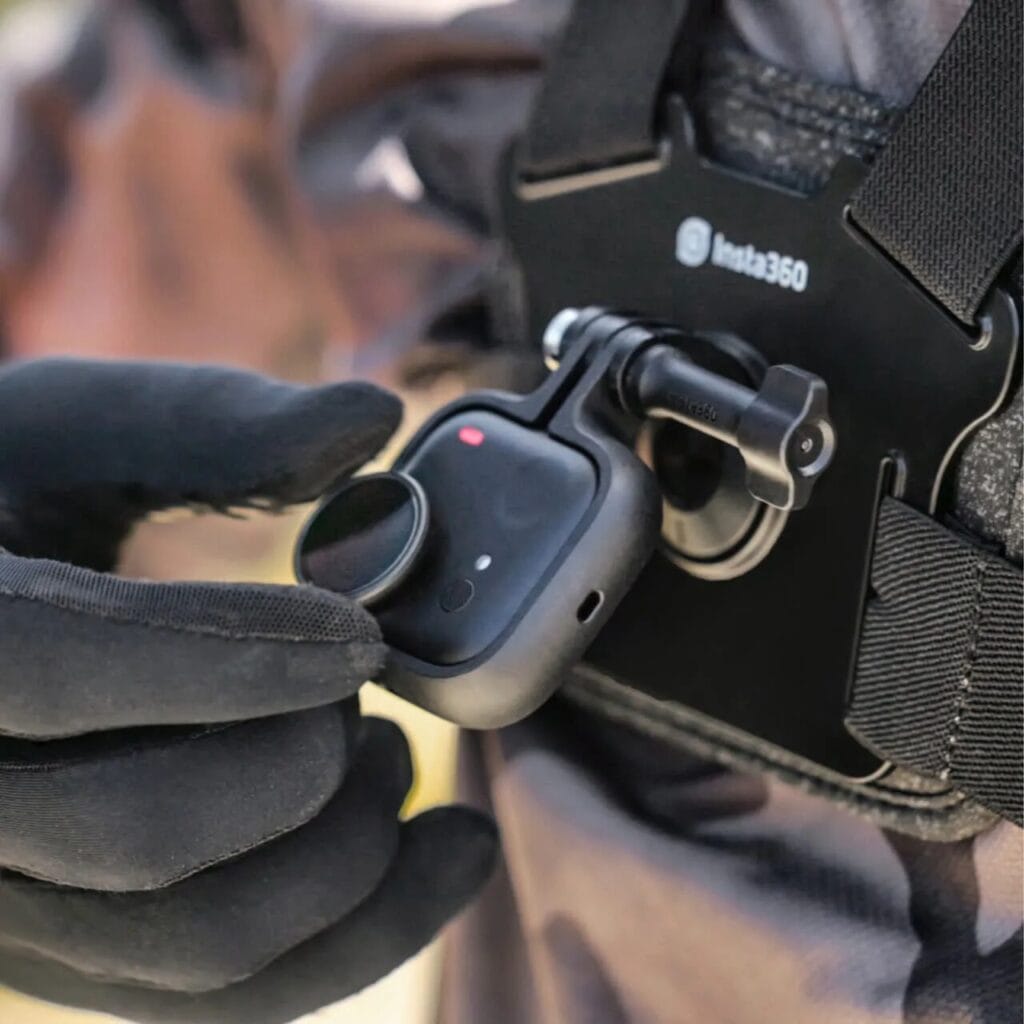
GO Ultra ND Filter Set
The GO Ultra ND Filter Set includes ND8, ND16, and ND32 filters in a compact carrying case — ideal for adding cinematic motion blur to your footage.
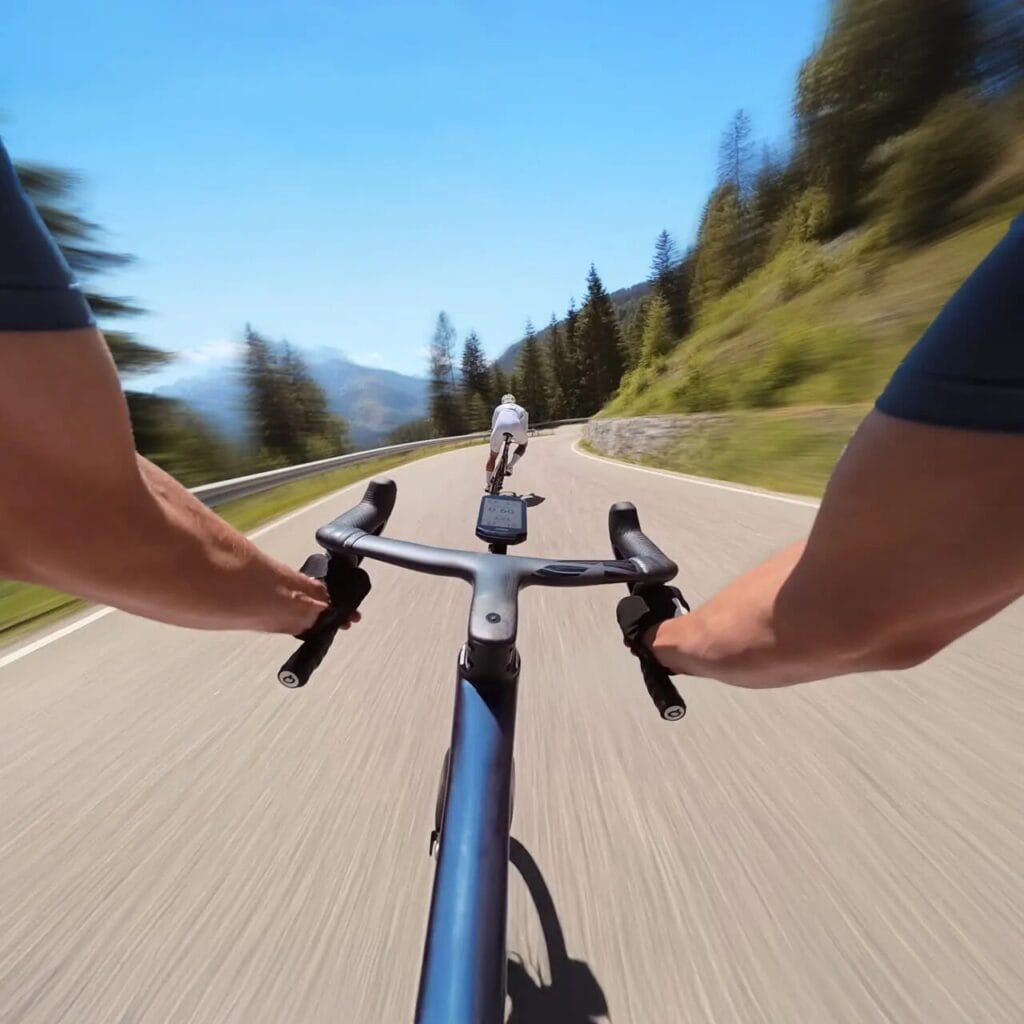
The ND8, ND16, and ND32 filters reduce the amount of light entering the lens, enabling cinematic motion blur and long-exposure shots — perfect for light trails at night or star trail photography. ND filters (neutral density filters) are designed to reduce light without affecting color. These filters cut light by 1/8, 1/16, or 1/32 respectively, giving you full creative control over exposure. The GO Ultra ND filters are backed by a Freewell lifetime warranty for added peace of mind.
Which GO Ultra Bundle Is Right for You?
If you’re considering the Insta360 GO Ultra, you can also buy directly into a bundle suited to your use case — meaning you’ll have all the necessary accessories from day one, with no need to figure out what to buy separately.
My top recommendation is the Creator Bundle — it covers the most scenarios and is better value than buying accessories individually!
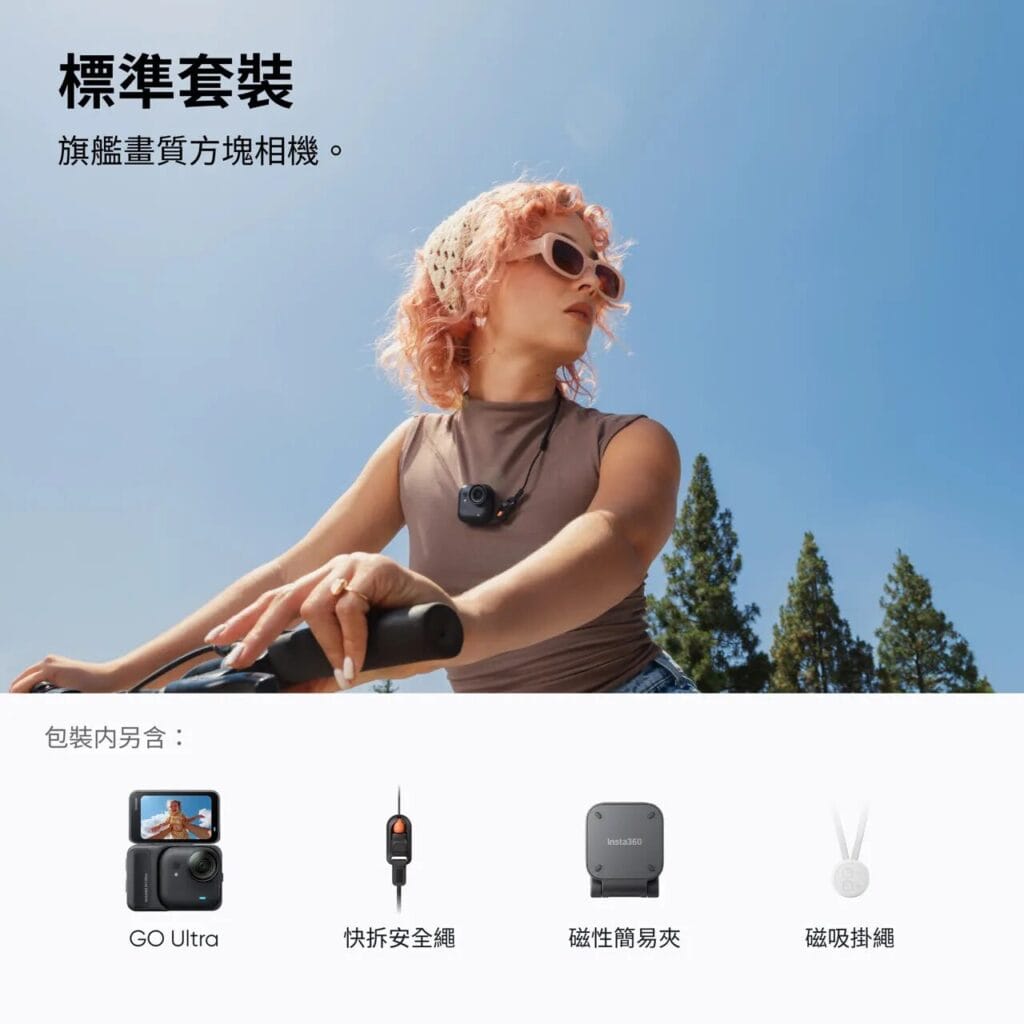
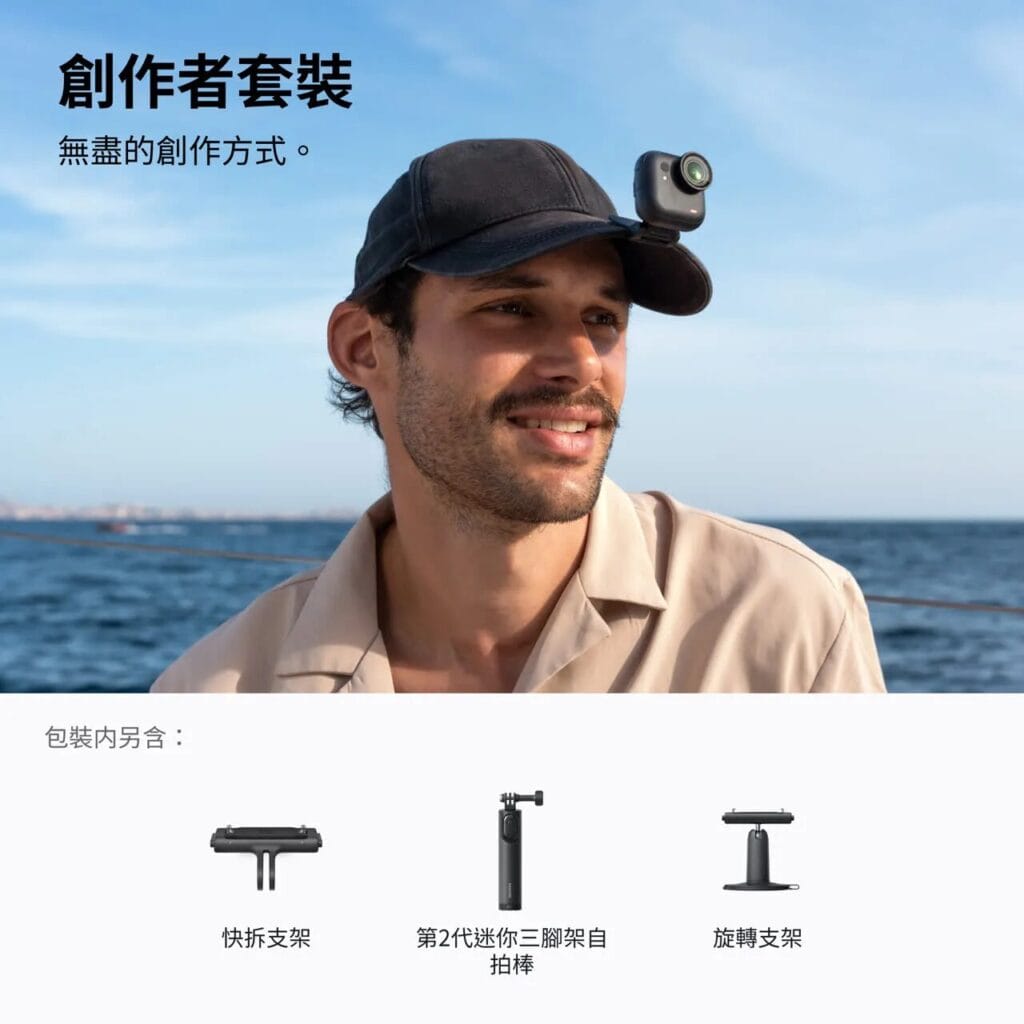
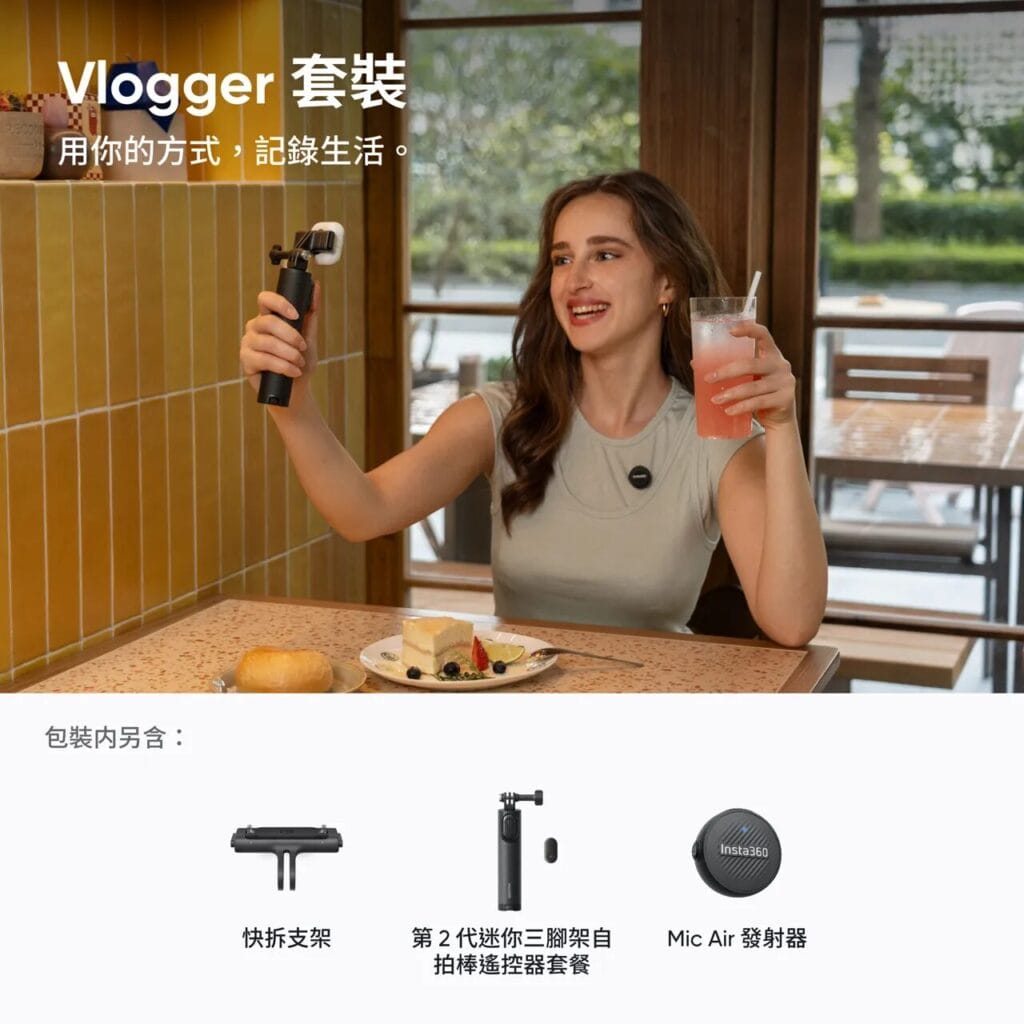
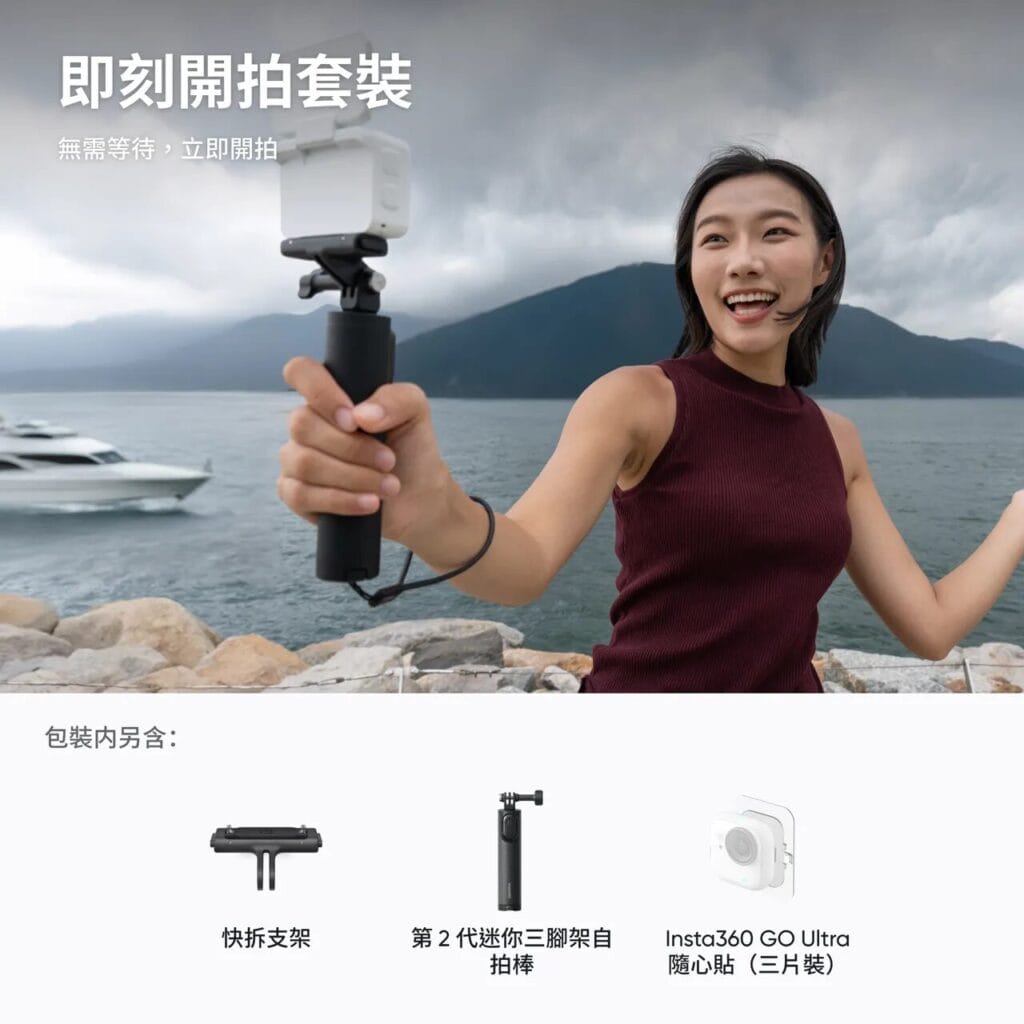
| Bundle | What’s Included | Best For | |
| Standard Bundle | 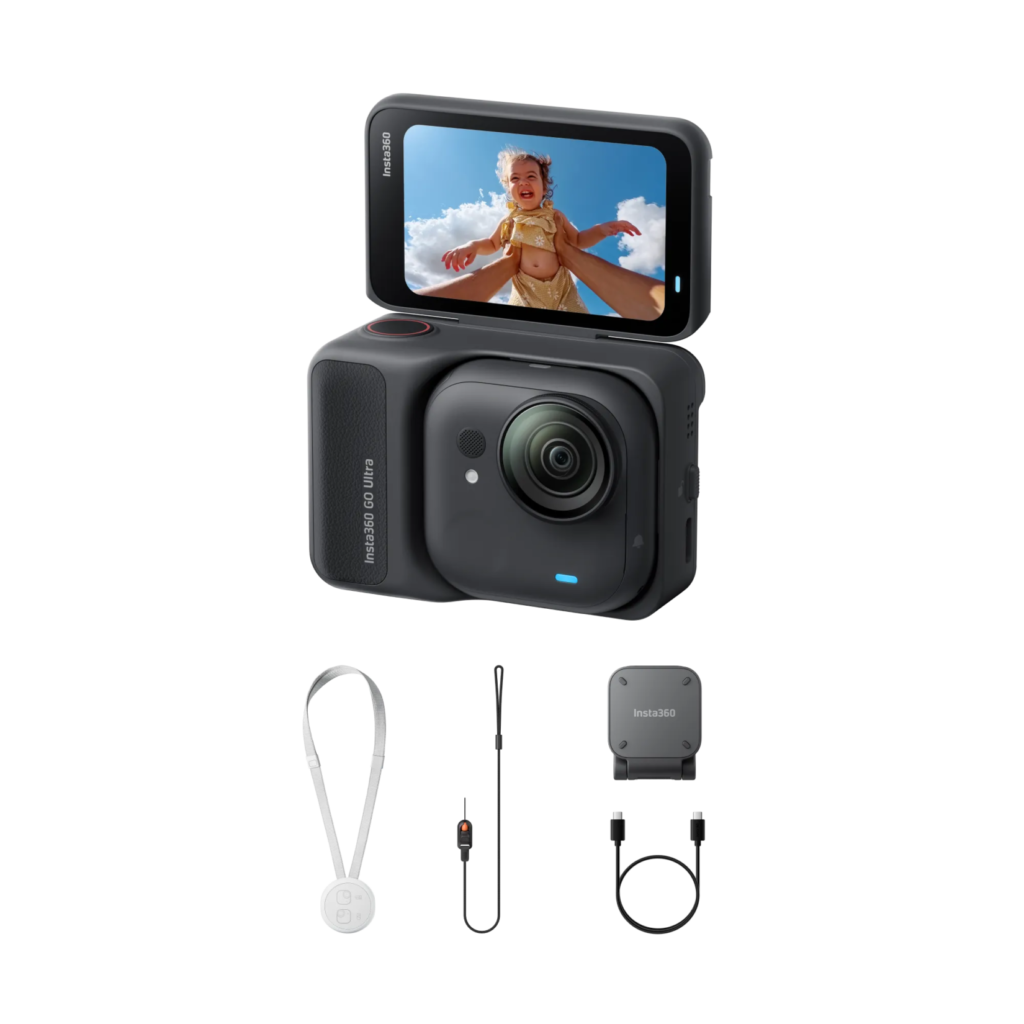 | GO Ultra, Safety Cord, Easy Clip, Magnetic Pendant | Everyday casual Vlogging 📷 |
| Creator Bundle |  | GO Ultra, Safety Cord, Easy Clip, Magnetic Pendant + Quick Release Mount, Mini 2-in-1 Tripod, Pivot Stand | In-depth Vlogging, multi-angle shooting 📹 |
| Vlogger Bundle | 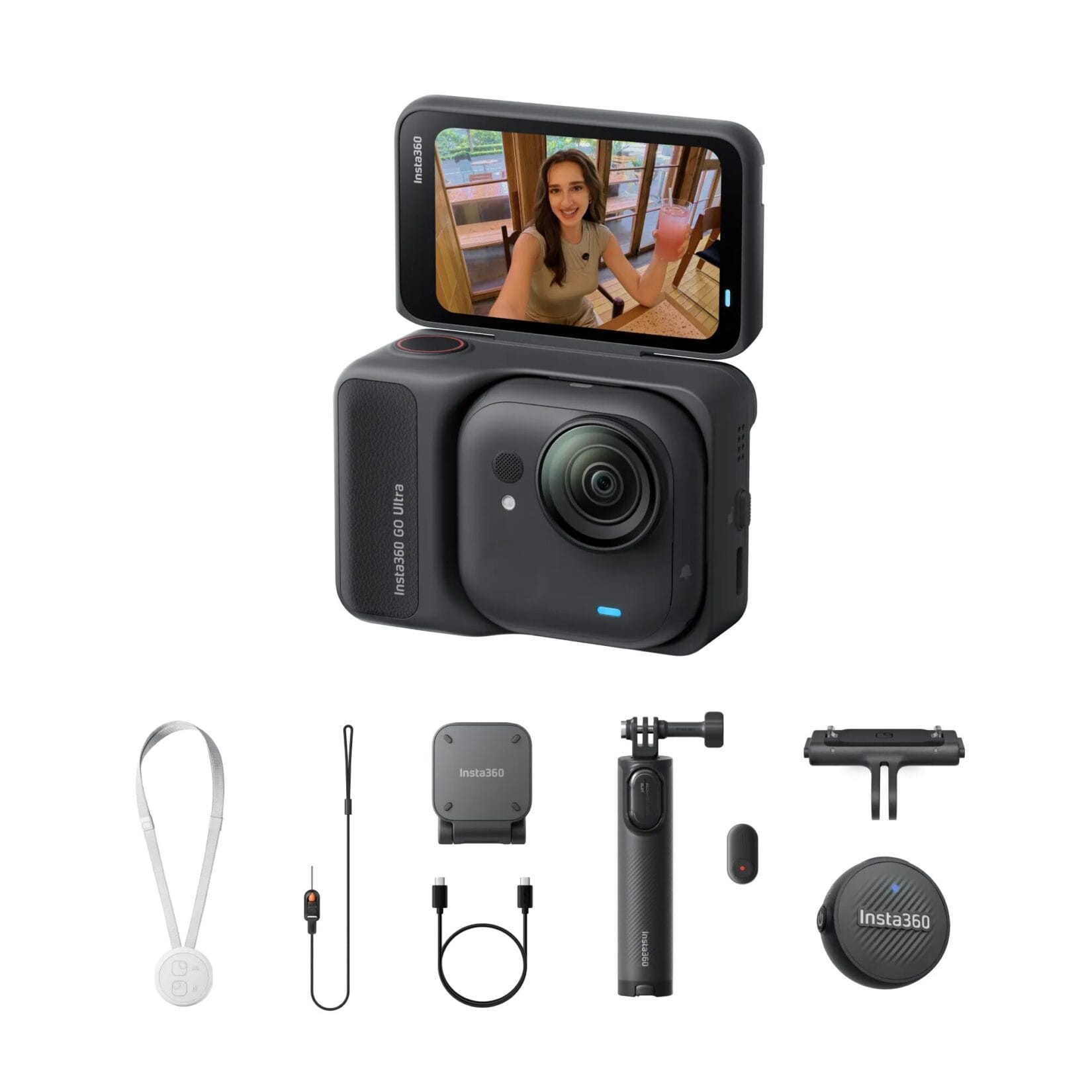 | GO Ultra, Safety Cord, Easy Clip, Magnetic Pendant + Quick Release Mount, Mini 2-in-1 Tripod, Mic Air | External mic Vlogging 📷 |
| Snap & Shoot Bundle | 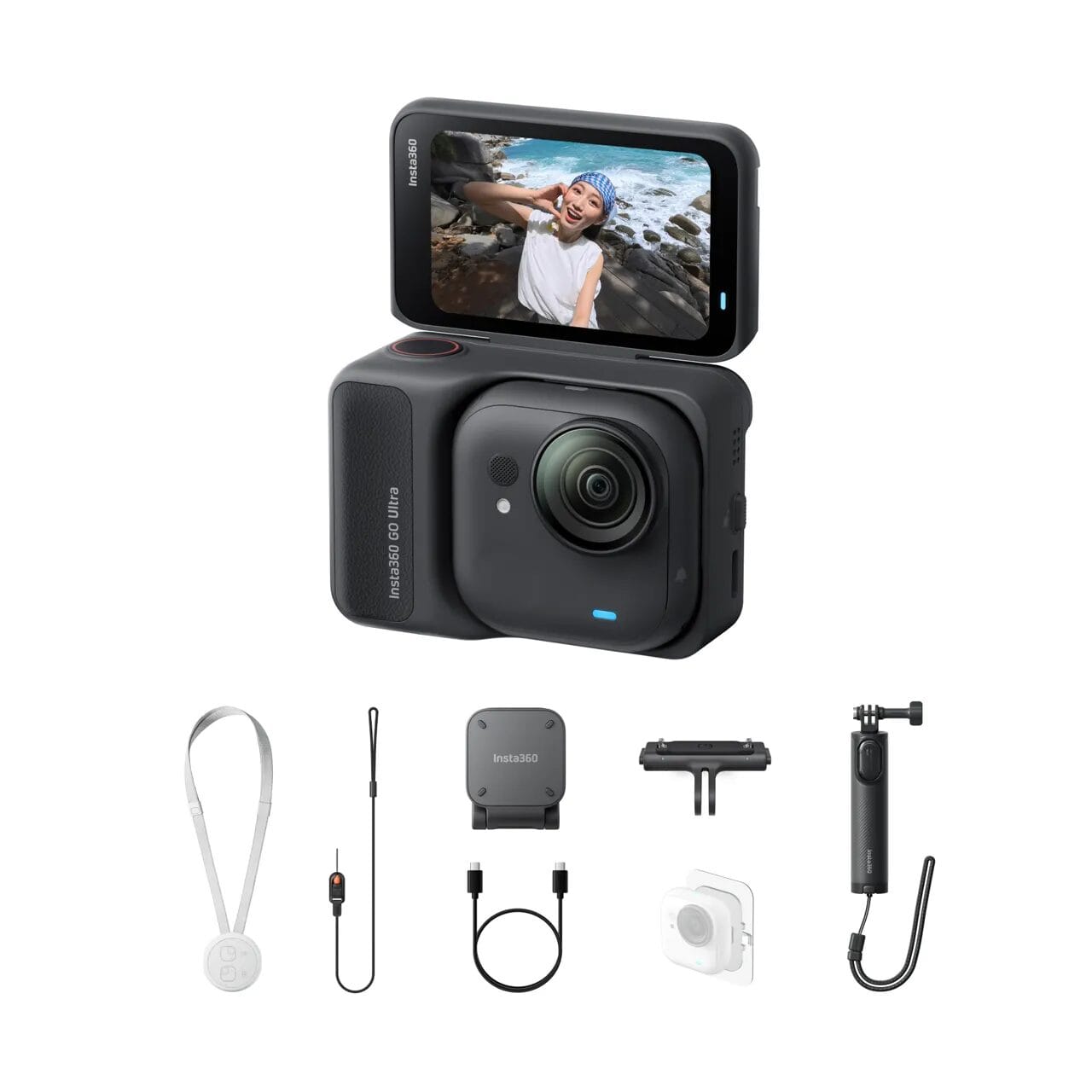 | GO Ultra, Safety Cord, Easy Clip, Magnetic Pendant + Quick Release Mount, Mini 2-in-1 Tripod, Sticky Tabs (3-pack) | Stick-anywhere recording 📷 |
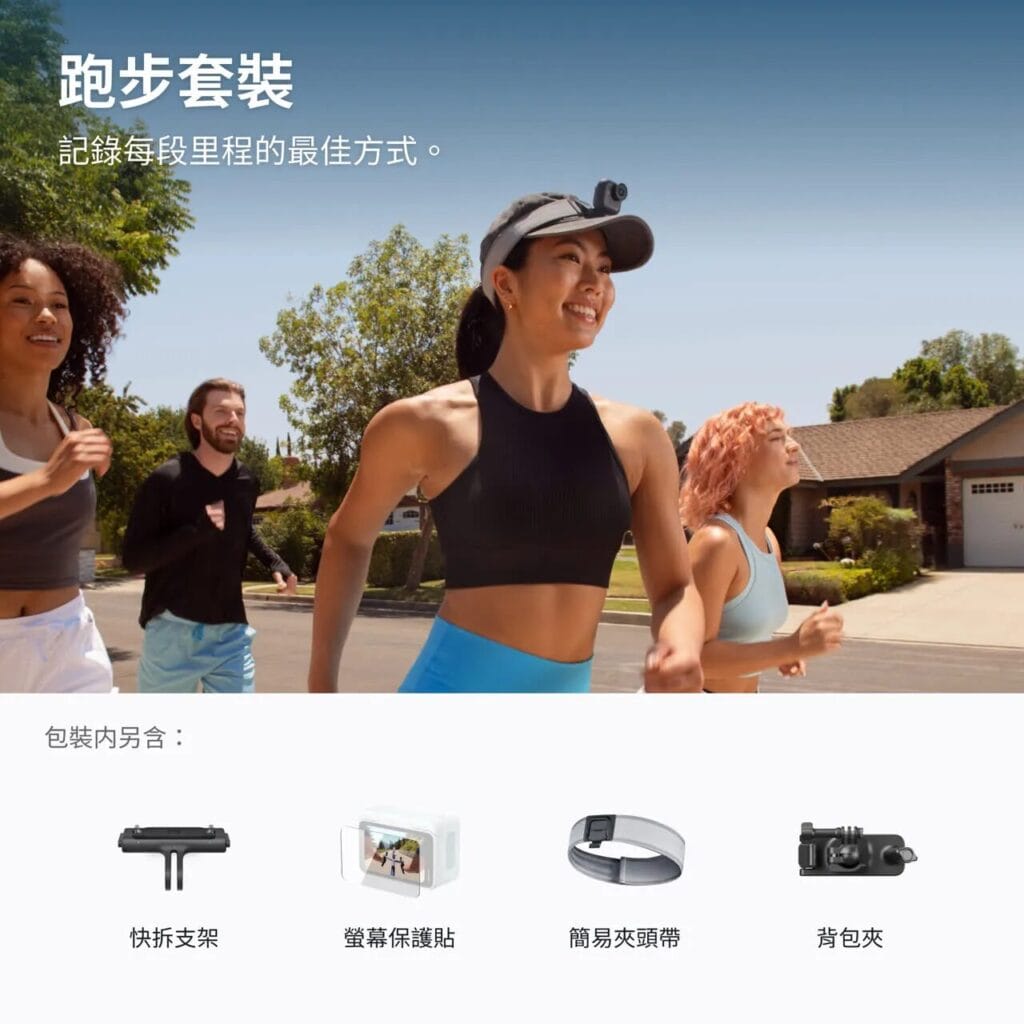
| Running & Hiking Bundle | 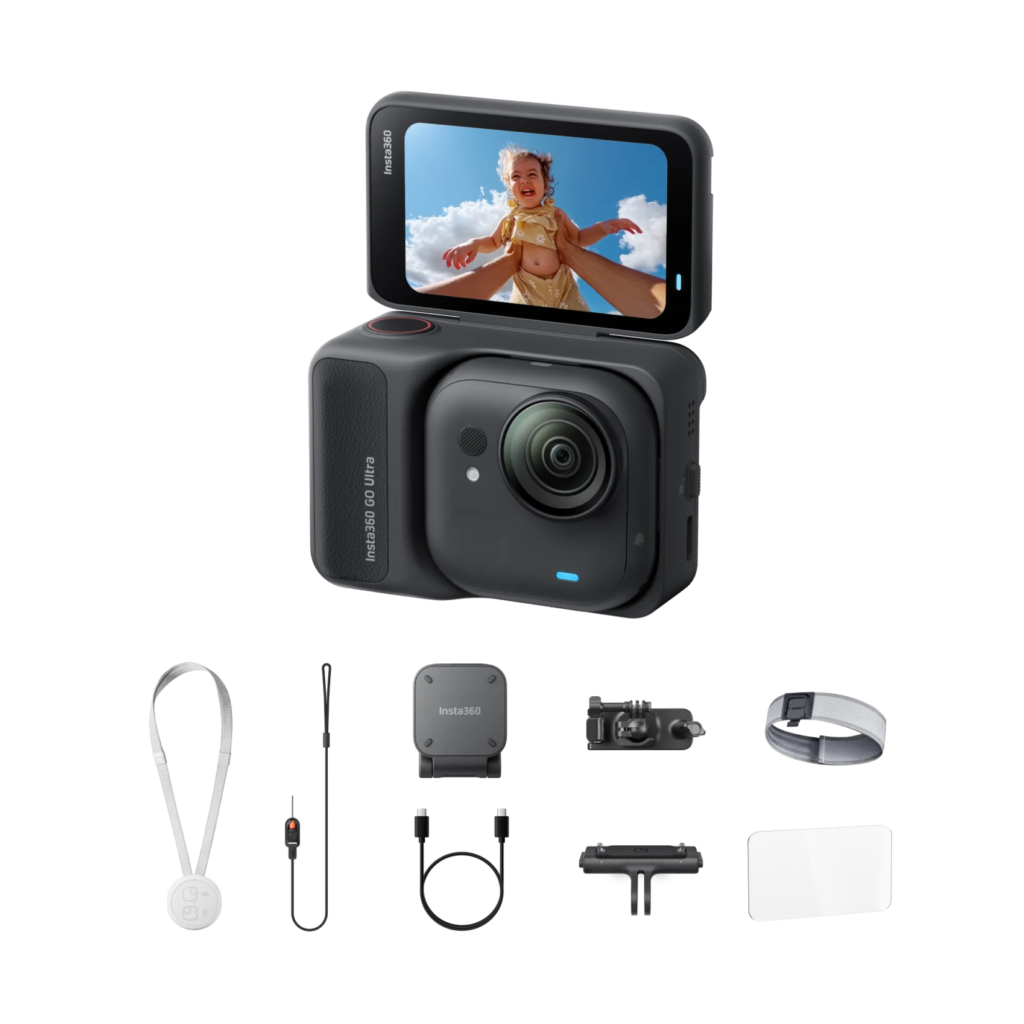 | GO Ultra, Safety Cord, Easy Clip, Magnetic Pendant + Quick Release Mount, Screen Protector, Easy Clip Headband, Backpack Clip | Running 🏃, Hiking ⛰️ |
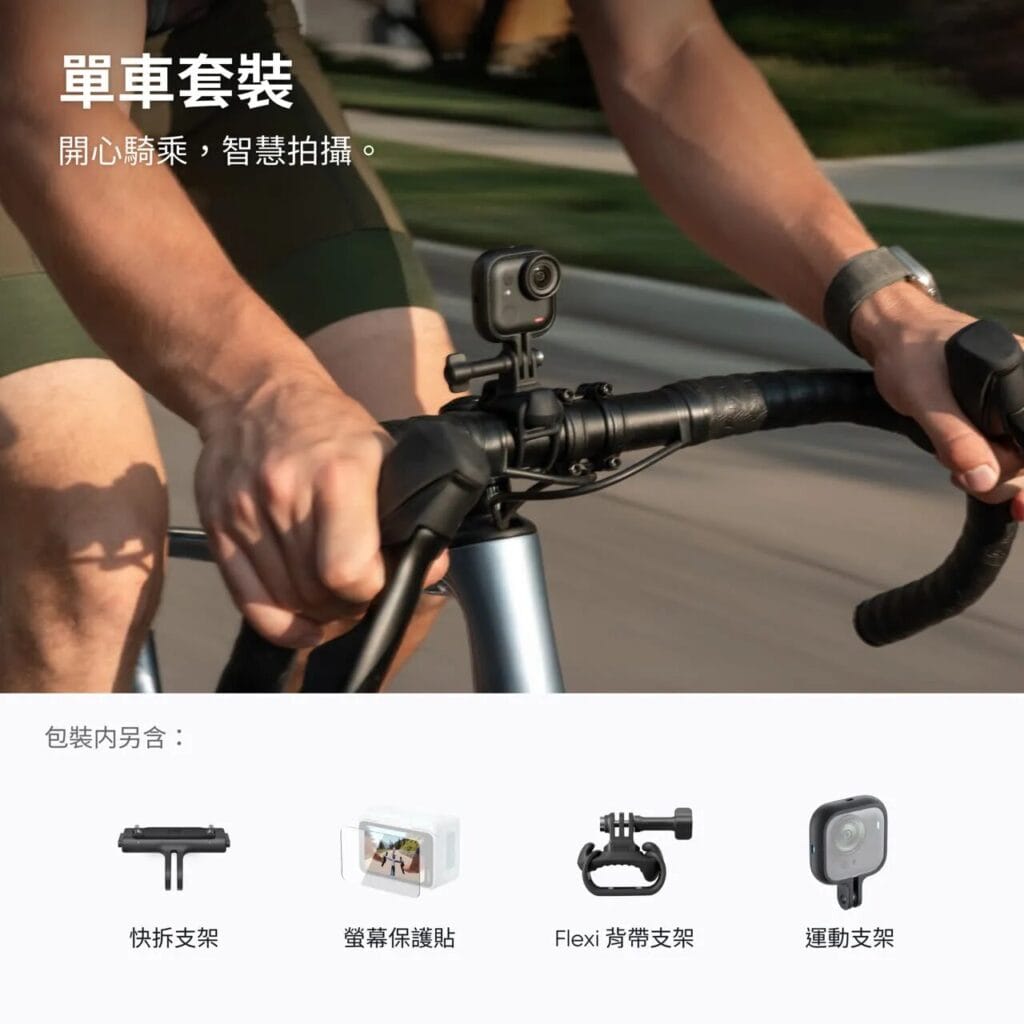
| Cycling Bundle |  | GO Ultra, Safety Cord, Easy Clip, Magnetic Pendant + Quick Release Mount, Screen Protector, Flexi Strap Mount, Action Mount | Cycling 🚴 |
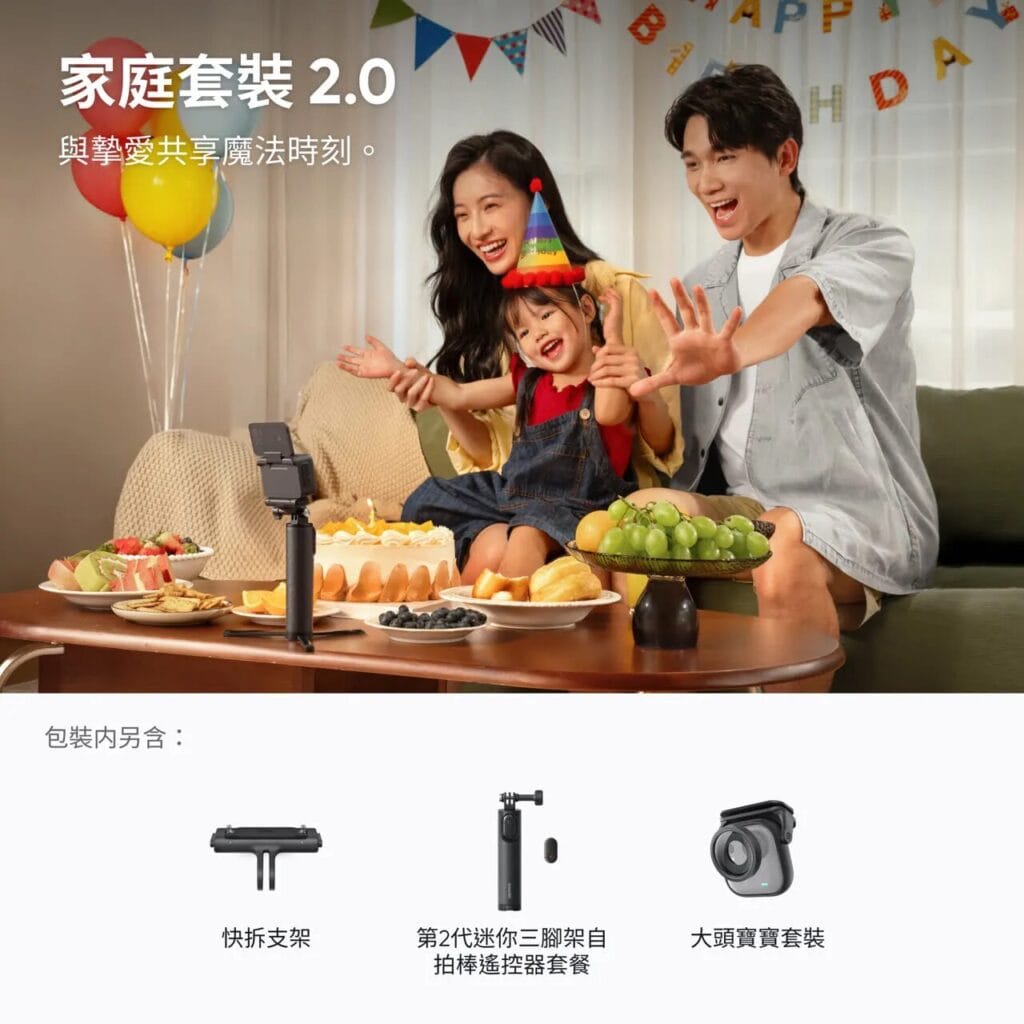
| Family Bundle | 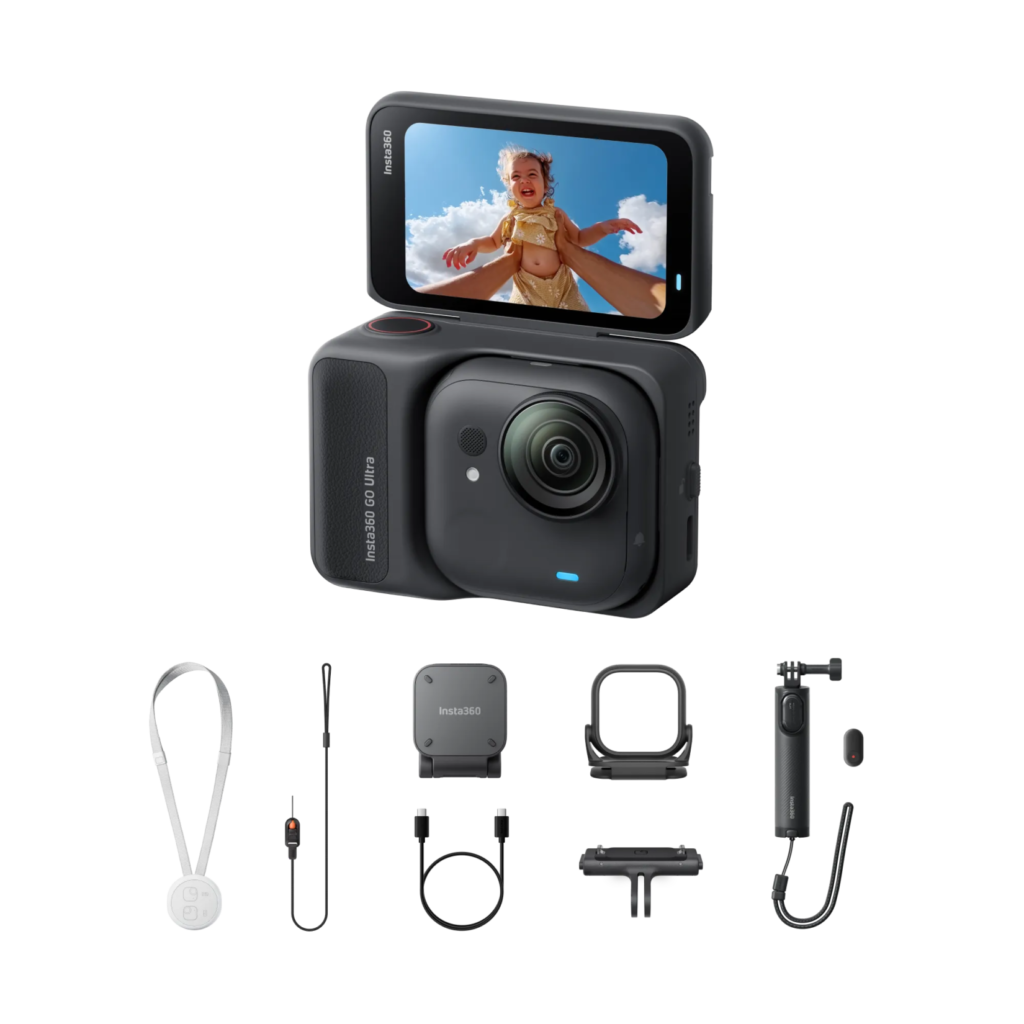 | GO Ultra, Safety Cord, Easy Clip, Magnetic Pendant + Quick Release Mount, Mini Tripod Remote Bundle, Baby Hat Clip | Recording baby’s POV 👶 |
Final Thoughts
The Full GO Ultra Accessories Lineup
Insta360’s official store now carries hundreds of accessories — making it the action camera brand with the largest accessory ecosystem available. These accessories address the real problems creators encounter during filming and make the entire shooting experience smoother and more enjoyable.
If you’re considering the GO Ultra and planning to use it for Vlogging, travel, or cycling, I hope this guide has helped you quickly identify the GO Ultra accessories worth adding to your kit — so you can get the most out of everything this camera has to offer.